


Introduction: Why look beyond WordPress in 2025?
WordPress is still a powerhouse, but more teams now prioritize simpler, faster, and lower‑maintenance ways to publish. If you’re tired of babysitting plugins, tuning performance, and patching security gaps, the good news is there are excellent WordPress alternatives that deliver speed, modern SEO, and a smoother workflow - without the overhead.
What this guide covers We’ll compare the best traditional website builders, focused publishing platforms, dedicated eCommerce solutions, and modern headless CMS alternatives. You’ll see where each shines, where it falls short, and how to pick the right fit for your goals.
Who this is for This guide is built for SaaS companies, startups, product teams, and growth marketers who want performance, strong SEO, and an easy authoring experience - without constant upkeep. If you’re aiming to rank in Google and show up in AI-powered search, but don’t want to manage a complex stack, you’re in the right place.
How we picked We analyzed the most referenced comparison posts from industry staples (including WPBeginner, Zapier, Pagepro, and Medium), then layered in our own testing and customer feedback. We focused on practical, modern tools used by today’s teams, not just the usual suspects - so you’ll see a balanced mix of best blogging platforms and CMS alternatives that can scale.
One quick tip Choose based on use case first - blogging, a high‑converting marketing site, a store, or multi‑channel content - and only then match your team’s skills (no‑code vs. developer‑led) and hosting preferences (fully hosted vs. self‑hosted). If your priority is to launch a blog fast and keep content flowing with minimal effort, BlogBowl helps you publish SEO‑optimized posts on autopilot while you focus on growth.
BlogBowl - Launch and grow a blazing-fast blog with AI on autopilot
BlogBowl is the all‑in‑one, hosted blogging platform built for SaaS and product teams that want results - fast. Instead of juggling plugins and maintenance like traditional CMS alternatives, you get a turnkey system that writes, optimizes, and publishes daily SEO content designed to rank in Google and LLMs.

What it is and why it’s a strong WordPress alternative
All‑in‑one, hosted blogging platform for SaaS and product teams.
Built‑in SEO, newsletter, analytics, and domain integration with zero setup.
Heavy AI automation: daily SEO articles, internal linking, keyword research, and unique AI images/videos - auto‑published to your blog, help docs, and changelog.
Where it shines
Time-to-value: launch a production‑ready blog in under a minute.
SEO-by-default: fast, structured templates that rank in Google and LLMs.
Scale simply: unlimited blogs, changelogs, and help docs - no plugins to maintain.
Watch-outs
Blog‑first focus (best for content hubs rather than complex app-like sites).
Who it’s best for
SaaS, startups, and lean teams that want traffic growth without dev ops or plugin sprawl.
Key specs at a glance
Spec | Details |
|---|---|
Type | Hosted, blog‑first CMS alternative |
Hosting | Fully managed (no servers, no plugins) |
Best For | SaaS, startups, product teams, and content-led growth |
Core Features | SEO‑optimized templates, newsletter, analytics, custom domains |
AI & Automation | Daily SEO articles, keyword research, internal linking, AI images/videos, auto‑publishing |
SEO & Performance | Built to rank in Google and LLMs; fast-loading by default |
Editor/Workflow | No-code setup; automated creation and scheduling |
Integrations | Works with custom domains and no‑code tools |
Scalability | Unlimited blogs, changelogs, and help docs |
Setup Time | Under 60 seconds to go live |
Maintenance | Zero - platform updates, analytics, and SEO handled for you |
Pricing Model | SaaS (hosted platform) |
Ideal Use Cases | Blogs, changelogs, help centers, content hubs |
Not Ideal For | Complex, app-like sites requiring custom backends |
Webflow - Pixel-perfect visual control for marketing sites
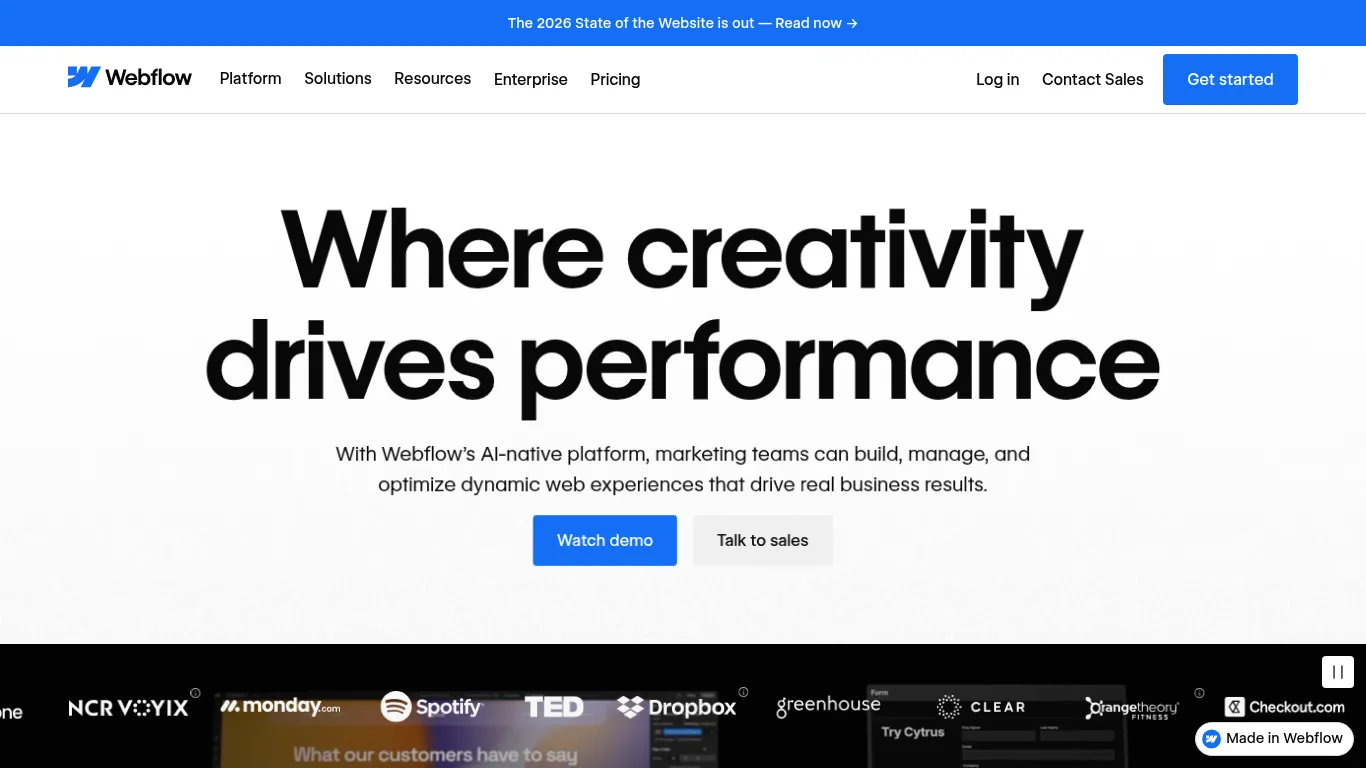
Webflow combines a visual design platform, CMS, and secure hosting so teams can build fully custom marketing sites - without plugins or hand-coded themes. You get designer-grade control over layout, interactions, and content structures, plus built-in SEO/AEO tools and AI-assisted workflows to move from idea to impact faster.
What it is and why it’s a strong WordPress alternative
Visual design platform + CMS + hosting for fully custom marketing sites without plugins.
Where it shines
Designer-grade control over layout, interactions, and CMS structures.
Fast, secure hosting included.
Watch-outs
Learning curve for non-designers; native eCommerce is basic compared to Shopify.
Who it’s best for
Startups, agencies, and B2B teams needing bespoke designs and clean, SEO‑friendly output.
Key specs at a glance
Spec | Details |
|---|---|
Type | Visual website experience platform with CMS and hosting |
Hosting | Fully managed, fast and secure |
Best For | Bespoke marketing sites, landing pages, content hubs |
Core Features | Visual designer, composable CMS, interactions/animations, design systems |
AI & Automation | AI-assisted workflows, personalization, and localization |
SEO & Performance | Built-in SEO and AEO tools; performant output |
Editor/Workflow | Visual editing with class-based styling; component libraries |
Integrations | Extensible via integrations and embeds |
Scalability | Used by high-performing brands; supports enterprise scale |
Setup Time | Rapid from prototype to production once familiar |
Maintenance | No plugin upkeep; platform-managed updates |
Pricing Model | SaaS (site and workspace plans) |
Ideal Use Cases | Marketing sites, campaign microsites, resource libraries |
Not Ideal For | Complex eCommerce at scale or app-like experiences without custom work |
Wix - Beginner‑friendly all‑in‑one builder
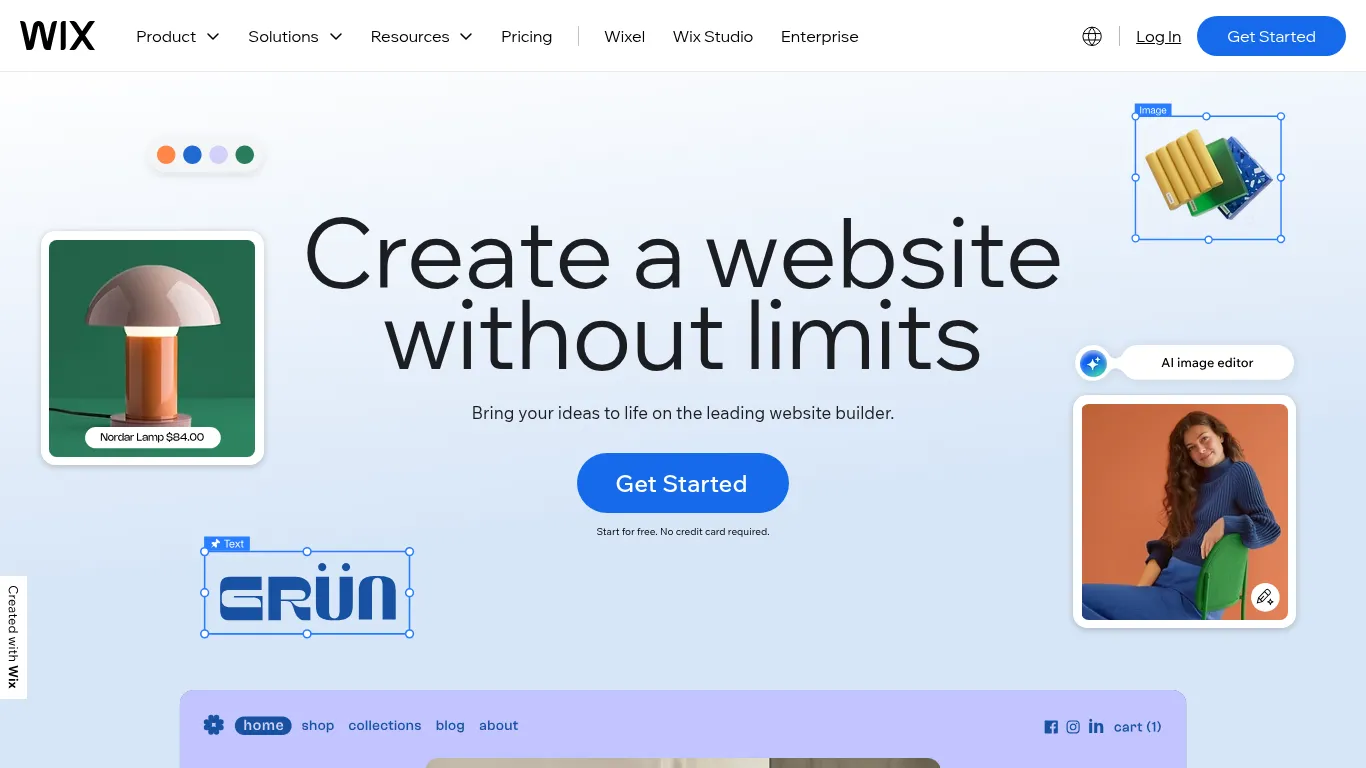
Wix is a drag‑and‑drop website builder that bundles templates, apps, AI tools, and hosting so you can launch quickly - no code needed. From 900+ templates to built‑in marketing, bookings, and eCommerce, it streamlines setup and day‑to‑day operations for small teams.
What it is and why it’s a strong WordPress alternative
Drag‑and‑drop website builder with templates, apps, and hosting bundled.
Where it shines
Easiest path to launch; AI assists for layouts and copy.
Solid app market for essentials (forms, bookings, basic eCom).
Watch-outs
Template restraints; code can be heavier than developer‑centric tools.
Who it’s best for
Solo founders, freelancers, and small businesses prioritizing speed to launch over deep customization.
Key specs at a glance
Spec | Details |
|---|---|
Type | Hosted website builder with large template library |
Hosting | Multi‑cloud, CDN-backed, high uptime |
Best For | Quick launches, small business sites, portfolios, simple stores |
Core Features | Drag‑and‑drop editor, 900+ templates, forms, bookings, blog, basic eCom |
AI & Automation | AI website builder, AI copy/images, email automation |
SEO & Performance | Built‑in SEO tools and AI visibility features |
Editor/Workflow | No‑code editor; mobile view editing |
Integrations | App Market with hundreds of add‑ons |
Scalability | Suitable for small to medium sites; app‑driven extensions |
Setup Time | Minutes to first draft with AI |
Maintenance | Platform‑managed hosting, security, and updates |
Pricing Model | SaaS (tiered plans) |
Ideal Use Cases | Brochure sites, local services, personal brands, simple eCommerce |
Not Ideal For | Highly customized, developer‑led architectures or complex web apps |
Squarespace - Polished templates with zero fuss
Squarespace is an elegant, hosted site builder that prioritizes design simplicity and speed to publish. With curated templates, an intuitive editor, and built‑in business tools, it makes launching a professional site feel effortless - no plugins or patchwork required.

What it is and why it’s a strong WordPress alternative
Elegant, hosted site builder focused on design simplicity and speed to publish.
Where it shines
Beautiful templates, intuitive editor, built‑in marketing and basic eCom.
Watch-outs
Limited content modeling and custom logic; less flexible for complex sites.
Who it’s best for
Creatives, consultants, and small teams who value design quality and simplicity.
Key specs at a glance
Spec | Details |
|---|---|
Type | Hosted, template-driven website builder |
Hosting | Fully managed with global infrastructure |
Best For | Portfolios, service sites, simple online stores |
Core Features | Templates, drag‑and‑drop editor, forms, basic eCom, domains |
AI & Automation | AI guidance for setup and content |
SEO & Performance | SEO basics built in; fast publishing flow |
Editor/Workflow | Intuitive visual editor with curated blocks |
Integrations | Built‑in marketing tools; limited extensibility |
Scalability | Great for small to mid‑size sites; less suited for complex data models |
Setup Time | Minutes to first draft with templates or AI start |
Maintenance | Platform‑managed updates and security |
Pricing Model | SaaS (tiered plans) |
Ideal Use Cases | Portfolios, brochure sites, branded landing pages |
Not Ideal For | Complex content models, custom logic, or advanced integrations |
Shopify - Purpose‑built for online stores
Shopify is the all‑in‑one eCommerce platform with payments, inventory, shipping, taxes, and marketplace integrations built in. It’s the fastest way to spin up a scalable store, with a massive app ecosystem to extend functionality as you grow.

What it is and why it’s a strong WordPress alternative
All‑in‑one eCommerce platform with payments, inventory, shipping, and marketplaces.
Where it shines
Fastest route to a scalable store; enormous app ecosystem.
Watch-outs
Costs can rise with apps; content CMS is secondary to catalog.
Who it’s best for
Brands of any size where commerce is the core use case.
"Shopify commands a 29% share of the U.S. e‑commerce software market." - Source
Key specs at a glance
Spec | Details |
|---|---|
Type | All‑in‑one eCommerce platform |
Hosting | Fully managed, global infrastructure with optimized checkout |
Best For | DTC brands, omnichannel retailers, and wholesale |
Core Features | Catalog, checkout, payments, shipping, taxes, POS, themes |
AI & Automation | Shopify Magic for copy/discounts; workflow automations |
SEO & Performance | SEO basics, CDN-backed performance, high‑converting checkout |
Editor/Workflow | Theme and sections-based editor; drag‑and‑drop customization |
Integrations | 13,000+ apps; marketplace and social selling |
Scalability | Enterprise‑grade reliability; supports major product drops |
Setup Time | Hours to a functional store with a starter theme |
Maintenance | Platform-managed hosting, security, and updates |
Pricing Model | SaaS plans plus app subscriptions and payment fees |
Ideal Use Cases | Product-first stores, subscriptions, B2C/B2B commerce |
Not Ideal For | Content-led sites needing advanced content modeling |
Ghost - Clean, fast publishing with memberships
Ghost is a blogger‑focused platform (built on Node.js) with built‑in newsletters and paid subscriptions, so you can publish fast and monetize directly - without wrestling plugins. It’s designed for clean writing, speedy pages, and SEO basics out of the box.

What it is and why it’s a strong WordPress alternative
Blogger‑focused platform (Node.js) with built‑in newsletters and paid subscriptions.
Where it shines
Minimal UI, speedy pages, SEO basics built‑in; no plugin sprawl.
Watch-outs
Theming/custom layouts are simpler than WP; integrations ecosystem is smaller.
Who it’s best for
Writers, media teams, and content‑led startups monetizing via memberships/newsletters.
Key specs at a glance
Spec | Details |
|---|---|
Type | Open-source publishing platform with hosted option |
Hosting | Fully managed hosting available; or self-host |
Best For | Professional blogs, newsletters, membership media |
Core Features | Editor, newsletters, paid subscriptions, basic themes |
AI & Automation | Member funnels, email scheduling; limited AI |
SEO & Performance | Lightweight output with SEO essentials |
Editor/Workflow | Minimal, distraction-free writing experience |
Integrations | Smaller ecosystem; embeds and official integrations |
Scalability | Powers high-traffic publications; straightforward scaling |
Setup Time | Minutes with hosted version; self-host requires setup |
Maintenance | Low on hosted; routine updates on self-host |
Pricing Model | Open-source (free) + hosted SaaS plans |
Ideal Use Cases | Content hubs, paid newsletters, creator media |
Not Ideal For | Complex page builders, advanced custom app logic |
Medium - Zero‑maintenance blogging with built‑in audience
Medium is a hosted publishing platform that emphasizes reading experience and discovery. It removes the setup and maintenance overhead so you can focus on writing - and tap into platform network effects for reach.
What it is and why it’s a strong WordPress alternative
Hosted publishing platform emphasizing reading experience and discovery.
Where it shines
Easiest possible publishing flow; network effects for reach.
Watch-outs
Limited branding/control; you build on rented land.
Who it’s best for
Thought leadership, personal blogs, early‑stage audience building.
Key specs at a glance
Spec | Details |
|---|---|
Type | Hosted publishing network |
Hosting | Fully managed by platform |
Best For | Personal blogging, essays, thought leadership |
Core Features | Editor, publications, highlights, responses |
AI & Automation | Basic recommendations and distribution |
SEO & Performance | Indexable posts; platform-controlled SEO |
Editor/Workflow | Minimal, distraction-free editor |
Integrations | Limited; focused on internal network |
Scalability | Built-in audience; scales with engagement |
Setup Time | Minutes to create and publish |
Maintenance | Zero - platform handles updates and security |
Pricing Model | Free publishing; optional paid membership |
Ideal Use Cases | Testing ideas, building early readership |
Not Ideal For | Custom branding, complex site architecture |
HubSpot CMS (Content Hub) - Website + CRM + marketing in one
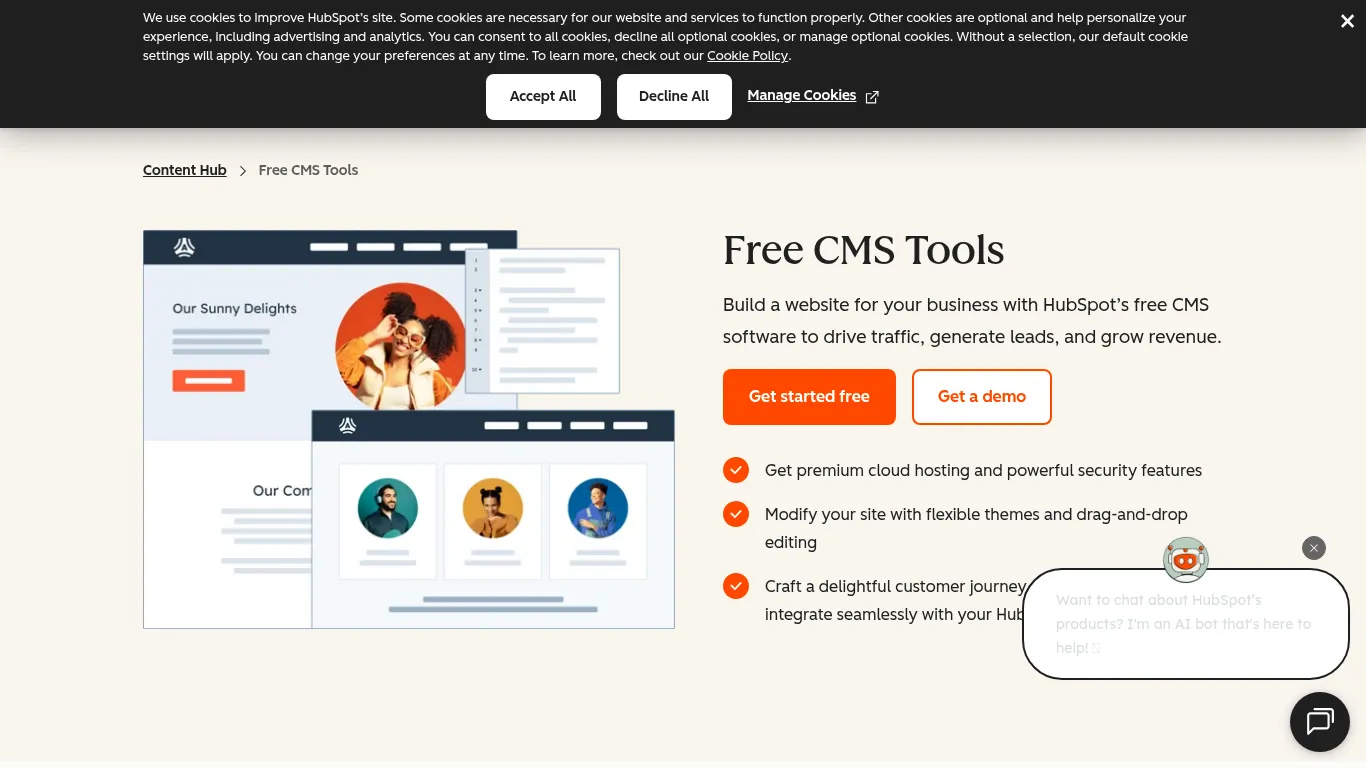
HubSpot’s hosted CMS is tightly integrated with its CRM, automations, and analytics - so you can build conversion‑focused websites and orchestrate the entire lead lifecycle from one place.
What it is and why it’s a strong WordPress alternative
Hosted CMS tightly integrated with HubSpot’s CRM, automations, and analytics.
Where it shines
Personalization, A/B testing, SEO suggestions, and lead workflows out of the box.
Watch-outs
Best value if you’re already in the HubSpot ecosystem; deep customization can be pricier.
Who it’s best for
Marketing teams prioritizing lead gen, lifecycle tracking, and sales alignment.
Key specs at a glance
Spec | Details |
|---|---|
Type | Hosted CMS integrated with CRM and marketing tools |
Hosting | Premium cloud hosting with security features |
Best For | Lead-gen sites, content marketing, gated assets |
Core Features | Themes, drag‑and‑drop editor, forms, workflows, analytics |
AI & Automation | Personalization, A/B testing, campaign automation |
SEO & Performance | Built‑in SEO recommendations and optimization |
Editor/Workflow | Visual editor with modular content and components |
Integrations | Deep HubSpot ecosystem; third‑party connectors available |
Scalability | Suited for growing teams and multi-region sites |
Setup Time | Fast launch with themes; deeper builds require planning |
Maintenance | Platform-managed hosting, updates, and security |
Pricing Model | Free CMS tools; paid tiers for advanced features |
Ideal Use Cases | Lifecycle marketing sites, demand gen programs |
Not Ideal For | Teams not using HubSpot or needing highly bespoke backends |
Joomla - Open‑source CMS with robust structure and ACL
Joomla is a traditional, self‑hosted CMS known for granular access control and multilingual capabilities built in. It’s a strong WordPress alternative for teams that need structured content governance and flexibility without SaaS lock‑in.
What it is and why it’s a strong WordPress alternative
Traditional, self‑hosted CMS with multilingual and granular access control built‑in.
Where it shines
Complex content trees, roles/permissions, multilingual out of the box.
Watch-outs
Steeper learning curve; extension quality varies.
Who it’s best for
Technical teams needing structured content and governance without SaaS lock‑in.
Key specs at a glance
Spec | Details |
|---|---|
Type | Open-source, self‑hosted CMS |
Hosting | User-provided (shared, VPS, or dedicated) |
Best For | Structured sites with complex roles and multilingual needs |
Core Features | ACL, content versioning, custom fields, multilingual |
AI & Automation | Limited natively; extend via extensions |
SEO & Performance | SEO-friendly URLs, metadata controls; caching available |
Editor/Workflow | Backend admin with workflows and user permissions |
Integrations | Thousands of extensions and templates |
Scalability | Suitable from small org sites to large portals |
Setup Time | Moderate; depends on hosting and extensions |
Maintenance | User-managed updates, backups, and security |
Pricing Model | Free core; paid extensions/hosting as needed |
Ideal Use Cases | Government, education, NGOs, large community sites |
Not Ideal For | No‑code teams or rapid landing-page iterations |
Drupal - Enterprise‑grade flexibility and security
Drupal is a highly extensible, open‑source CMS built for complex, large‑scale websites. It excels at custom content models, granular workflows, and multilingual experiences - backed by a strong security posture and a global developer community.
What it is and why it’s a strong WordPress alternative
Highly extensible, open‑source CMS for complex, large‑scale sites.
Where it shines
Custom content models, workflows, multilingual, and fine‑grained permissions.
Watch-outs
Requires developer expertise and ongoing maintenance.
Who it’s best for
Enterprises, governments, universities, and content‑dense platforms.
"Drupal is used by 5.8% of the world’s top 100,000 websites." - Source
Key specs at a glance
Spec | Details |
|---|---|
Type | Open-source, self‑hosted enterprise CMS |
Hosting | User-provided infrastructure or managed Drupal hosting |
Best For | Complex portals, multi-site networks, regulated industries |
Core Features | Custom content types, views, workflows, roles/permissions |
AI & Automation | Extend via contributed modules and APIs |
SEO & Performance | Granular control; caching/CDN-ready, schema modules available |
Editor/Workflow | Editorial workflows, moderation, granular access |
Integrations | Robust API-first capabilities; large module ecosystem |
Scalability | Proven at global scale with high traffic and multilingual |
Setup Time | Significant - requires planning and development |
Maintenance | Ongoing updates, devops, and module governance |
Pricing Model | Free core; costs in development/hosting/support |
Ideal Use Cases | Government portals, universities, enterprise content hubs |
Not Ideal For | No‑code teams or rapid MVPs without dev resources |
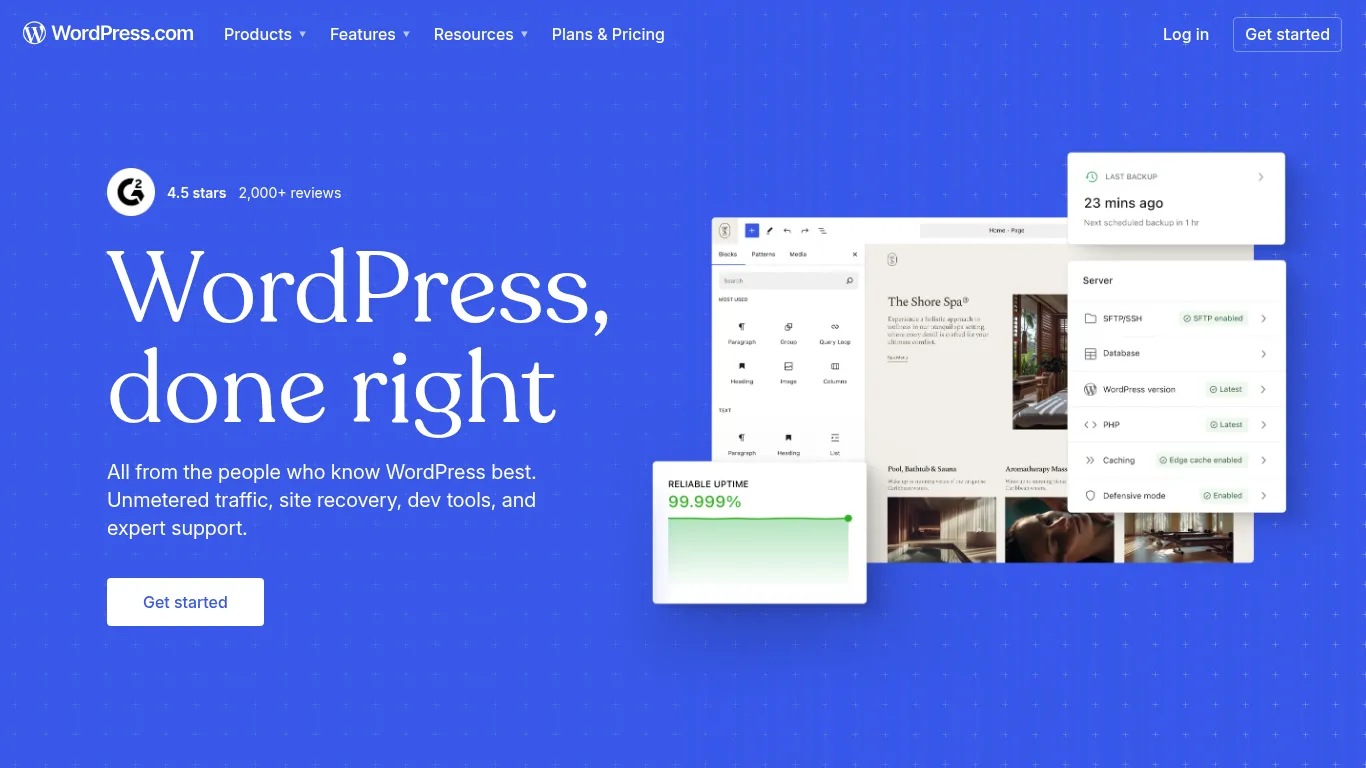
WordPress.com - Managed WordPress, fewer moving parts
WordPress.com offers hosted, managed WordPress so you can run a familiar stack without server upkeep. Security, CDN, backups, and performance are handled for you - while you retain the editor, themes, and the wider WordPress ecosystem.
What it is and why it’s a strong WordPress alternative
Hosted, managed WordPress with security, CDN, and backups handled for you.
Where it shines
Familiar editor and ecosystem without server upkeep.
Watch-outs
Deep customization and plugin usage depend on higher‑tier plans.
Who it’s best for
Teams that like WordPress but want hands‑off hosting and security.
Key specs at a glance
Spec | Details |
|---|---|
Type | Managed WordPress hosting and platform |
Hosting | Lightning-fast, secure, global CDN included |
Best For | Blogs, marketing sites, and SMBs that prefer WordPress |
Core Features | Themes, patterns, forms, basic analytics, domains |
AI & Automation | Optional AI writing tools; scheduled publishing |
SEO & Performance | CDN-backed performance; SEO basics included |
Editor/Workflow | Block editor; visual design with themes/patterns |
Integrations | Access to WP plugins/themes on higher tiers |
Scalability | Unmetered bandwidth; enterprise tier via WordPress VIP |
Setup Time | Minutes to go live with a theme |
Maintenance | Platform-managed updates, security, and backups |
Pricing Model | SaaS plans, from basic to business/commerce tiers |
Ideal Use Cases | WordPress users seeking managed convenience |
Not Ideal For | Teams needing custom server control or low-level code access |
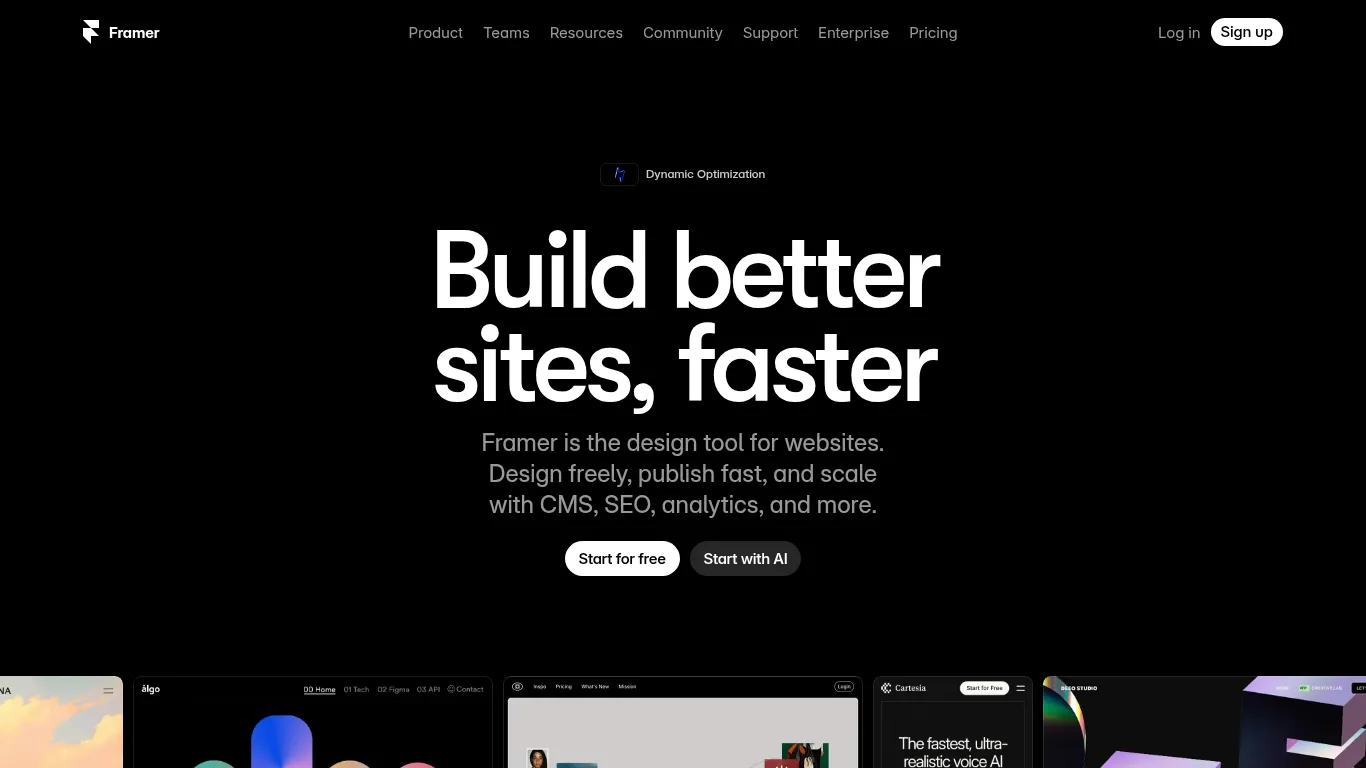
Framer - AI‑assisted site creation with modern editing
Framer is a design‑first site builder with impressive AI that drafts layouts and components in seconds. It pairs rapid prototyping with a modern editor, high‑quality templates, and a built‑in CMS to help teams go from idea to live site quickly.
What it is and why it’s a strong WordPress alternative
Design‑first site builder with impressive AI to draft layouts and sections.
Where it shines
Rapid prototyping; modern editor and high‑quality templates.
Watch-outs
AI drafts still need polish; less suited to complex CMS needs.
Who it’s best for
Designers and startups wanting quick, on‑brand marketing sites.
Key specs at a glance
Spec | Details |
|---|---|
Type | Hosted, design‑centric site builder with CMS |
Hosting | Fully managed with instant publishing |
Best For | Landing pages, marketing sites, lightweight blogs |
Core Features | AI layout generator, visual editor, animations, templates |
AI & Automation | AI to generate sections/components and accelerate builds |
SEO & Performance | SEO controls; fast, optimized publishing |
Editor/Workflow | Modern canvas with real‑time collaboration |
Integrations | Growing ecosystem; embeds and plugins |
Scalability | Great for small to mid‑size sites; evolving CMS depth |
Setup Time | Minutes to a first draft with AI |
Maintenance | Platform updates and security handled for you |
Pricing Model | SaaS (tiered plans) |
Ideal Use Cases | On-brand marketing pages, product launches, promos |
Not Ideal For | Complex data models, heavy editorial workflows |
Sanity - Headless CMS for flexible, API‑first content
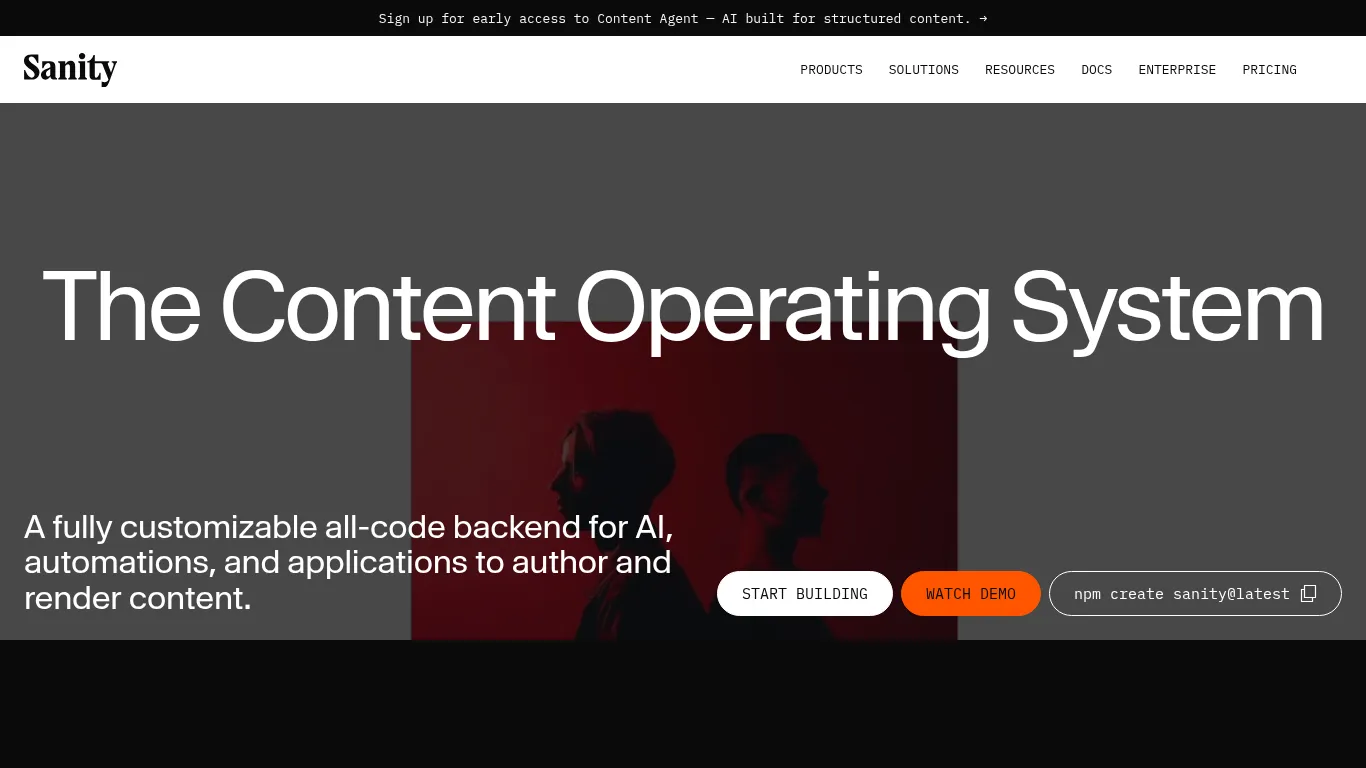
Sanity is a real‑time, schema‑driven headless CMS with a highly customizable Studio. It’s designed for structured content and omnichannel delivery, giving developers powerful APIs and teams a collaborative editing workspace that scales.
What it is and why it’s a strong WordPress alternative
Real‑time, schema‑driven headless CMS with a highly customizable Studio.
Where it shines
Structured content, collaborative editing, and great developer experience.
Watch-outs
Requires frontend framework (e.g., Next.js); content modeling needed upfront.
Who it’s best for
Product and content teams delivering to web, app, and other channels via APIs.
Key specs at a glance
Spec | Details |
|---|---|
Type | Headless CMS and content platform (Content Lake + Studio) |
Hosting | Managed platform with global CDN for content APIs |
Best For | Multichannel experiences, apps, and complex content models |
Core Features | Real-time Studio, schema as code, GROQ queries, Webhooks |
AI & Automation | Functions and agent actions; workflow automations |
SEO & Performance | API-first delivery; integrate with your frontend SEO stack |
Editor/Workflow | Collaborative, real-time editing; visual editing options |
Integrations | Works with modern frameworks and cloud platforms |
Scalability | Designed for large datasets and global distribution |
Setup Time | Fast to prototype; modeling required for production |
Maintenance | Platform-managed; you own frontend hosting/deploys |
Pricing Model | Free tier + usage-based paid plans |
Ideal Use Cases | Product catalogs, editorial platforms, multi-site architectures |
Not Ideal For | No‑code websites or teams without dev resources |
Contentful - Enterprise headless with governance at scale
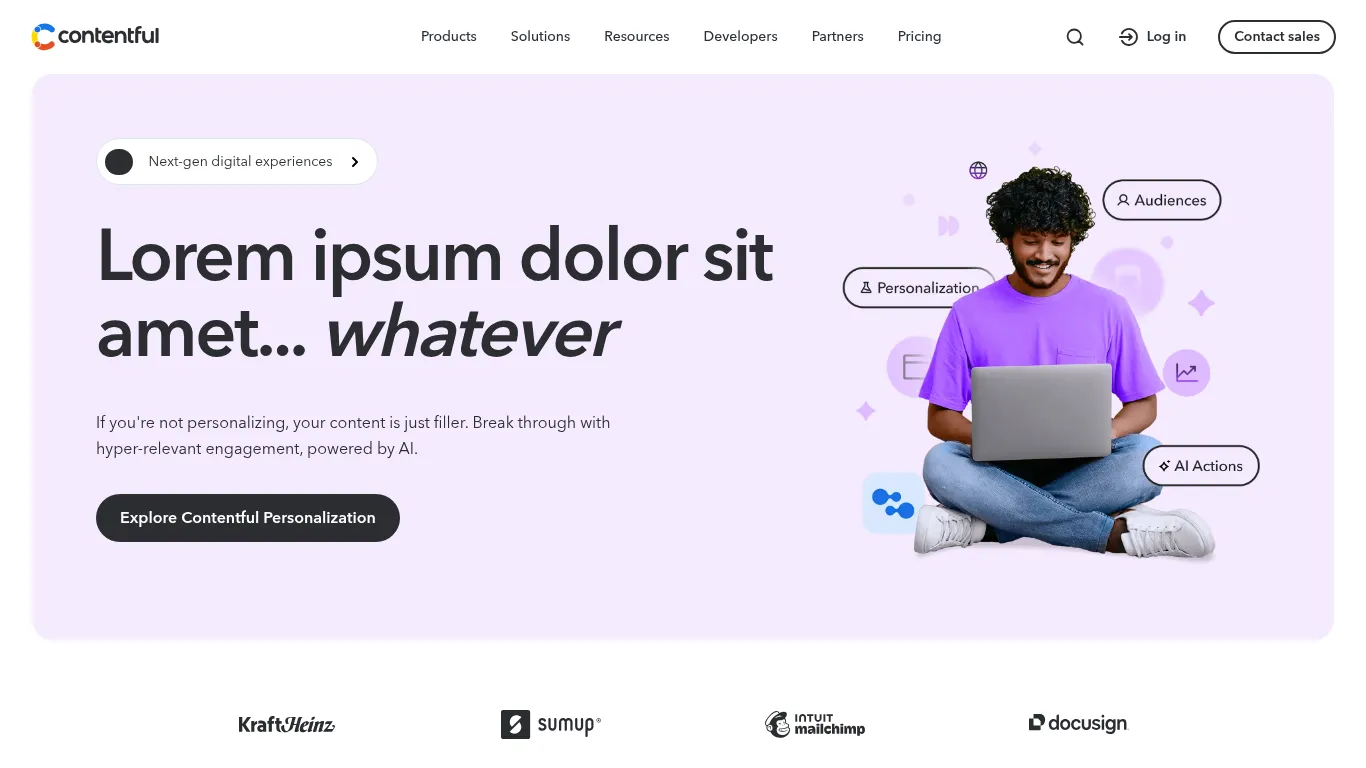
Contentful is a cloud‑native headless CMS built for global teams. With robust roles, locales, and governance features, it helps large organizations orchestrate multi‑brand, multi‑region content across web, apps, and beyond.
What it is and why it’s a strong WordPress alternative
Cloud‑native headless CMS with roles, locales, and governance for global teams.
Where it shines
Mature tooling, environments, and localization for complex orgs.
Watch-outs
Enterprise‑oriented pricing; developers required for frontends.
Who it’s best for
Larger organizations managing multi‑brand, multi‑locale experiences.
Key specs at a glance
Spec | Details |
|---|---|
Type | Cloud headless CMS and content platform |
Hosting | Managed cloud with global CDN and 99.99% uptime SLA |
Best For | Enterprise content ops across regions and channels |
Core Features | Content models, roles/permissions, locales, environments |
AI & Automation | Native AI authoring; personalization/testing utilities |
SEO & Performance | API-first delivery; performance via CDN and caching |
Editor/Workflow | Structured editor with roles, tasks, and workflows |
Integrations | Large partner ecosystem and marketplace apps |
Scalability | Proven at high traffic (e.g., peak retail events) |
Setup Time | Requires modeling and environment planning |
Maintenance | Platform-managed; ongoing model/version governance |
Pricing Model | Free trial/tiers, enterprise contracts |
Ideal Use Cases | Multi-brand sites, apps, kiosks, global content hubs |
Not Ideal For | Small teams needing a no-code website builder |
Strapi - Open‑source headless you can host and extend
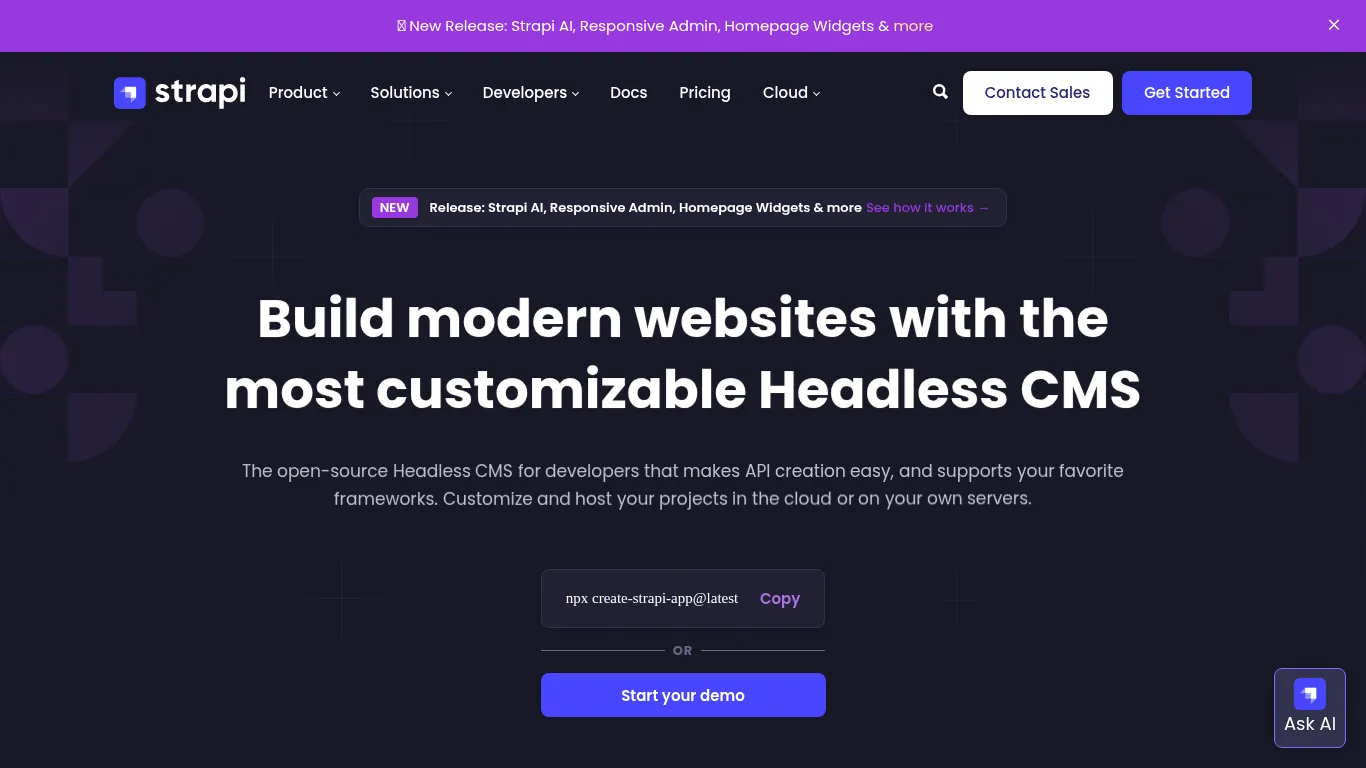
Strapi is a Node.js headless CMS offering REST/GraphQL APIs and a flexible plugin system. It’s built for teams that want full backend control, self‑hosting, and deep extensibility - without giving up a friendly admin UI for editors.
What it is and why it’s a strong WordPress alternative
Node.js headless CMS with REST/GraphQL APIs and a plugin system.
Where it shines
Full backend control, self‑hosting, and extensibility.
Watch-outs
You manage hosting, scaling, and updates; developer‑led setup.
Who it’s best for
Teams wanting open‑source flexibility and ownership of infrastructure.
Key specs at a glance
Spec | Details |
|---|---|
Type | Open-source headless CMS (Node.js) |
Hosting | Self-host or Strapi Cloud (PaaS) |
Best For | Custom backends, apps, and content APIs |
Core Features | REST/GraphQL APIs, content modeling, roles/permissions |
AI & Automation | Strapi AI for modeling/translations; webhooks and jobs |
SEO & Performance | API-first; depends on your frontend implementation |
Editor/Workflow | Admin UI for content; roles and publishing flows |
Integrations | Plugin marketplace and custom extensions |
Scalability | As scalable as your infra (containers, cloud, etc.) |
Setup Time | Developer-led; quick scaffolding via CLI |
Maintenance | You handle upgrades, security, and infra costs |
Pricing Model | Open-source (MIT); paid enterprise and Cloud plans |
Ideal Use Cases | Product catalogs, mobile apps, multi-channel APIs |
Not Ideal For | No-code websites or teams without dev resources |
Overall comparison table
Tool | Type | Hosting | Ease of use | Standout capabilities |
|---|---|---|---|---|
BlogBowl | Hosted blog‑first CMS alternative | Fully managed | Very easy | AI‑written daily SEO articles, internal linking, keyword research, unlimited blogs/changelogs/help docs |
Webflow | Visual design platform + CMS + hosting | Fully managed | Moderate (designer‑friendly) | Pixel‑perfect control, interactions/animations, composable CMS, AI‑assisted workflows |
Wix | All‑in‑one website builder | Fully managed | Very easy | AI site builder, 900+ templates, large app market (forms, bookings, basic eCom) |
Squarespace | Hosted template‑driven builder | Fully managed | Very easy | Polished templates, intuitive editor, built‑in marketing and simple eCom |
Shopify | All‑in‑one eCommerce platform | Fully managed | Easy–Moderate | Best‑in‑class checkout, payments/shipping, 13k+ apps, omnichannel selling |
Ghost | Publishing platform (Node.js) | Hosted or self‑host | Easy | Clean editor, fast pages, built‑in newsletters and memberships |
Medium | Hosted publishing network | Fully managed | Easiest | Zero maintenance, built‑in audience and discovery network effects |
HubSpot CMS | Hosted CMS + CRM/automation | Fully managed | Easy | Personalization, A/B testing, SEO suggestions, lead workflows and analytics |
Joomla | Open‑source traditional CMS | Self‑hosted | Moderate–Steep | Robust ACL, multilingual out of the box, flexible content structure |
Drupal | Open‑source enterprise CMS | Self‑hosted | Complex (dev‑led) | Custom content models, workflows, multilingual, security and scale |
WordPress.com | Managed WordPress platform | Fully managed | Easy | Familiar editor/ecosystem, CDN/security/backups handled, plugins on higher tiers |
Framer | Design‑first builder with CMS | Fully managed | Easy–Moderate | AI layout generation, modern editor, high‑quality templates, instant publishing |
Sanity | Headless CMS (schema‑as‑code) | Managed content APIs; BYO frontend | Moderate (dev‑led) | Real‑time Studio, GROQ queries, Content Lake, flexible modeling and workflows |
Contentful | Enterprise headless CMS | Managed cloud (CDN, SLA) | Moderate (teams/dev) | Roles/permissions, locales, environments, governance at scale |
Strapi | Open‑source headless CMS (Node.js) | Self‑host or Strapi Cloud | Technical (dev‑led) | REST/GraphQL APIs, plugin system, full backend control and extensibility |
Conclusion: Pick by use case, then match your team’s skills
The best WordPress alternatives depend on what you’re building and who’s building it:
Website builders (Wix, Squarespace, Framer) for simplicity and fast launch.
Webflow and HubSpot for marketing control, personalization, and conversion workflows.
Shopify for commerce-first stores and omnichannel selling.
Ghost and Medium for pure publishing with minimal maintenance.
Drupal, Joomla, and WordPress.com for traditional CMS needs with varying levels of control and hosting support.
Sanity, Contentful, and Strapi for headless flexibility, structured content, and multi‑channel delivery.
If your priority is growing organic traffic with minimal lift, start with BlogBowl. You’ll launch fast, publish daily with AI, and keep SEO dialed‑in by default - no plugins, no dev ops, no busywork.
Ready to skip WordPress maintenance and focus on growth? Try BlogBowl as your WordPress‑free growth engine.