


Create a Blog Website: Start Your Own Free
Want to create a blog website without wrestling with hosting, themes, plugins, or code? You’re not alone. Most founders, marketers, and indie builders don’t want a weekend project - they want to launch fast, publish confidently, rank on search, and actually grow an audience.
That’s the real challenge. It’s easy to start your own blog in theory. It’s much harder to build a blog website that is fast, mobile-friendly, SEO-ready, connected to your brand, and simple enough for a non-technical team to manage long term.
If your goal is to build your own blog website for free or get a first version live quickly, this guide walks you through the smartest path - plus when it makes sense to upgrade to a platform built for serious content growth.
Why people start a blog website in the first place
A blog is no longer just a personal diary. For modern businesses and creators, it’s a growth engine.
A well-built blog can help you:
attract organic traffic from search
explain your product and category
capture email subscribers
build trust over time
support launches, changelogs, and help content
turn one piece of content into newsletters, social posts, and sales assets
That matters because content compounds.
"Organic search accounted for 33% of overall website traffic across seven key industries in 2024." - Conductor
"Companies with active blogs earn 97% more inbound links on average than those without fresh content." - shno.co
If you want to create your own blog free, the right starting point is not just “Which platform is cheapest?” It’s “Which option helps me publish now and grow later without rebuilding everything?”
What the top-ranking blog builders get right - and what they miss
Most popular guides focus on three things:
pick a template
customize your design
publish your first post
That’s useful, but incomplete.
What many guides gloss over:
the difference between a website builder and a content-first blog platform
how SEO performance affects whether your content gets discovered
what happens when you need newsletters, analytics, multiple authors, or product updates
how to structure a blog under a custom domain
the hidden cost of “free” when your setup becomes slow or fragmented
how SaaS teams can manage a blog, changelog, and help center in one workflow
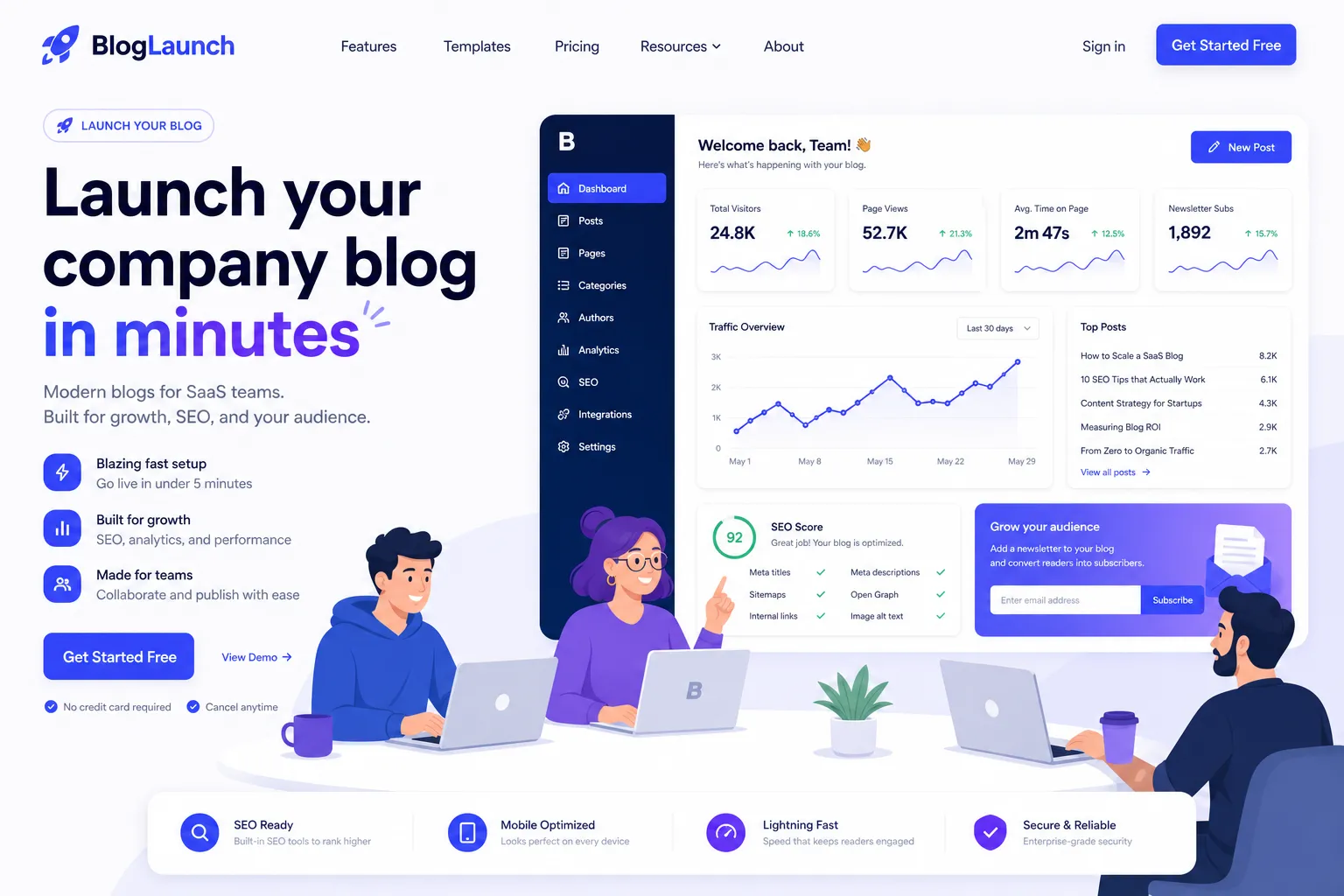
That’s where BlogBowl stands out. Instead of piecing together separate tools, you can launch a blog, changelog, or help center in minutes, with fast SEO-optimized templates, built-in newsletter tools, analytics, multi-author collaboration, and flexible domain options - all without engineering help.
Your options to create a blog online free
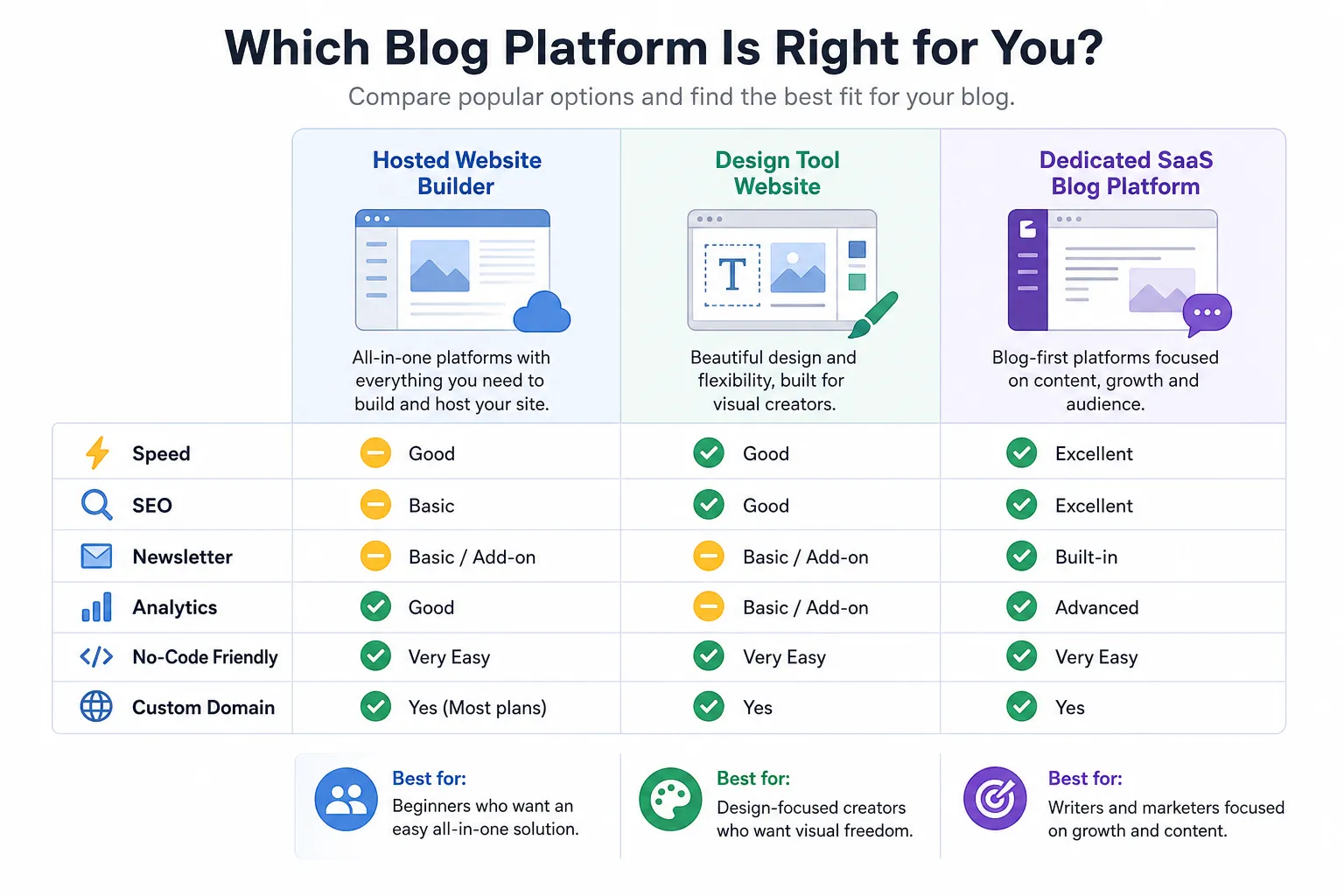
There are three common ways to create your blog website.
1. Use a general website builder
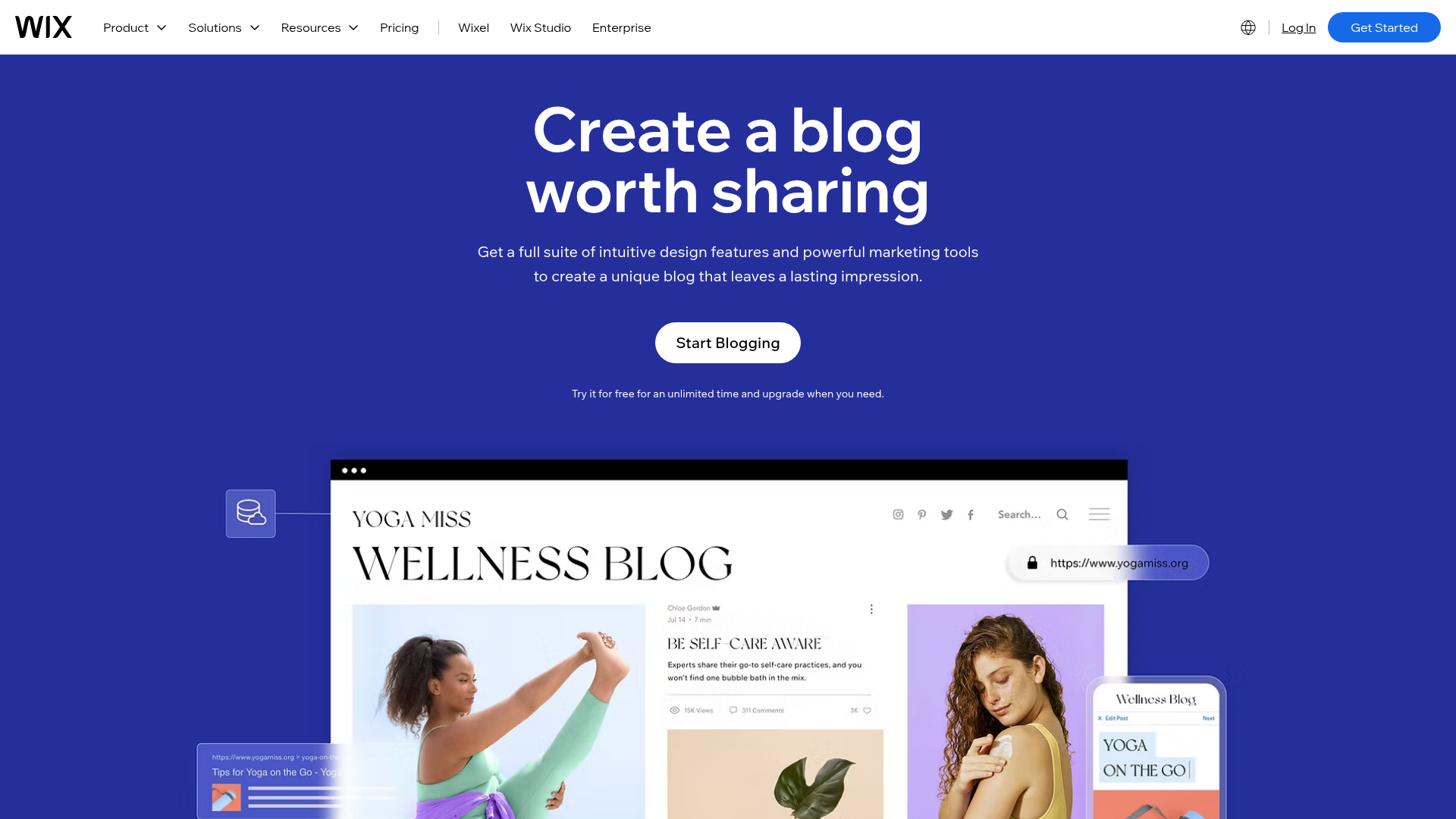
This is the easiest path if you mainly care about design and getting something online fast. Tools like Wix are beginner-friendly and template-heavy.
Best for: personal blogs, portfolios, small starter sites
Pros: low friction, visual editing, free plans
Cons: can become limiting for SEO, scaling content, advanced workflows, or integrated publishing operations
2. Use a design-first website tool
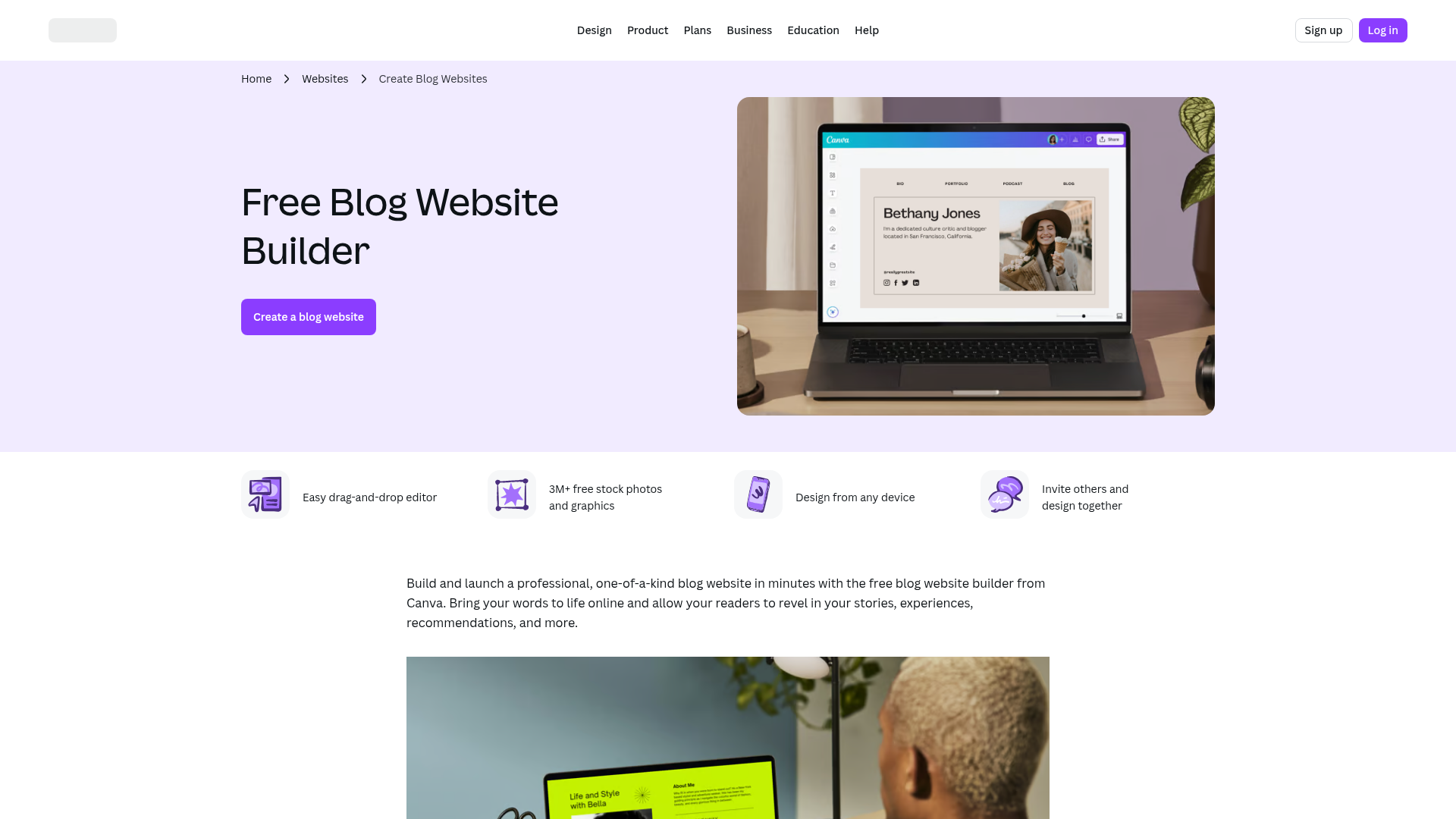
Canva makes it incredibly simple to create a polished visual website. It’s great when aesthetics and speed matter more than content infrastructure.
Best for: creators, bio sites, landing-style blogs
Pros: beautiful templates, easy drag-and-drop, fast publishing
Cons: not purpose-built for serious content ops, newsletter workflows, or deep blog management
3. Use a dedicated publishing platform
This is the better move when content is part of growth, not just brand presence. If you want to build a blog, run a newsletter, publish a changelog, maintain help docs, and understand performance in one place, a purpose-built platform wins.
That’s where BlogBowl fits.
With BlogBowl, you can:
launch a blog, changelog, or help center in minutes
publish with no code and no setup headaches
use fast, SEO-optimized templates built for rankings
collect subscribers with built-in newsletter CTAs
send and schedule emails without a separate email tool
track opens, clicks, locations, bounce rates, and more
view traffic and engagement in an integrated Umami-powered dashboard
collaborate with multiple authors
connect a custom domain or choose flexible URL structures
scale with unlimited blogs, changelogs, and docs on paid plans
extend and control more with an open-source core
The fastest way to build your blog without future regret
If you just want to start your blog today, use this simple framework.
Choose based on your real goal
Ask yourself which of these sounds most like you:
Your goal | Best fit |
|---|---|
“I want something free and visual today.” | Wix or Canva |
“I want to validate an idea with a simple site.” | Canva |
“I need a company blog that can rank, convert, and scale.” | BlogBowl |
“I want blog + newsletter + analytics in one tool.” | BlogBowl |
“I need a changelog and help docs too.” | BlogBowl |
Most people who create a blog site for free start with convenience. That’s fine. The problem comes later when they realize their blog is disconnected from email, analytics, product communication, and SEO workflow.
Start with content architecture, not colors
Before you design anything, define:
your main audience
the topics you’ll cover
the conversion goal for each post
where the blog will live (
yourdomain.com/blog, subdomain, or hosted URL)whether you’ll also need a changelog or help center
This one step saves hours later.
How to create a blog website step by step
Here’s the cleanest path to go from zero to live.
Step 1: Pick your niche and angle
A strong blog is specific. “Marketing” is too broad. “Content systems for SaaS startups” is much stronger.
Good blog angles often come from:
your expertise
your product category
customer questions
repeatable workflows
personal experience
underserved subtopics
If you want to create your own blog website that lasts, clarity beats cleverness.
Step 2: Choose a name and domain
You can start your own blog free on a platform subdomain, but a custom domain builds more trust and control.
A good blog name should be:
clear
memorable
easy to spell
broad enough to grow with you
For companies, the smartest route is usually to keep the blog close to the main domain.
Examples:
yourcompany.com/bloglearn.yourcompany.comupdates.yourcompany.com
BlogBowl supports flexible hosting and URL options, so you can choose the structure that fits your SEO and brand strategy.
Step 3: Choose your platform
Here’s the real-world decision table:
Feature | Wix | Canva | BlogBowl |
|---|---|---|---|
Free starting option | Yes | Yes | Best for fast pro launch |
No-code editing | Yes | Yes | Yes |
Blog-first experience | Moderate | Light | Strong |
Built-in newsletter | Limited/extra tools | No | Yes |
Built-in analytics | Basic | Limited | Yes |
SEO-focused templates | Moderate | Moderate | Strong |
Changelog + help docs | No | No | Yes |
Multi-author collaboration | Limited | Limited | Yes |
Open-source core | No | No | Yes |
Best for serious SaaS content ops | No | No | Yes |
If you just want to build a blog for free, any free option can get you started. If you want outcomes - traffic, subscribers, product communication, and fewer tool sprawl problems - BlogBowl is the more strategic choice.
Step 4: Set up your design
Your blog design should do three jobs:
make reading easy
reinforce your brand
guide readers toward action
Focus on:
readable fonts
strong contrast
clear navigation
fast loading pages
obvious CTAs
mobile-friendly spacing
Avoid overdesign. Fast, simple, and focused usually wins.
Step 5: Publish your core pages
Before you publish your first article, create these essentials:
home or blog archive
about page
contact page
privacy policy
category or topic pages
subscribe/signup section
For SaaS teams, also consider:
changelog
help docs
onboarding content
integration pages
BlogBowl is especially strong here because you don’t have to bolt these pieces together later. You can manage your blog, updates, and documentation from one system.
Step 6: Write your first 3 to 5 posts
Don’t launch with one lonely post if you can avoid it.
Start with a small content cluster:
one “what is” or beginner guide
one comparison post
one tactical how-to
one opinion or insight piece
one product-adjacent use case
This helps your site feel real and gives search engines more context.
Step 7: Add subscriber capture from day one
This is where many “free blog” tutorials fall short. They show you how to publish, but not how to grow owned audience.
Even if you’re just starting, collect emails early.
Use:
inline signup CTAs
end-of-post opt-ins
lead magnets
product update subscriptions
welcome sequences
With BlogBowl, newsletter capture and sending are built in. That means you can publish a post, collect subscribers, send the newsletter, and track results without jumping between tools.
Step 8: Connect analytics and iterate
Publishing is the start, not the finish.
Track:
page views
unique visitors
average session time
traffic sources
top-performing posts
subscriber growth
email opens and clicks
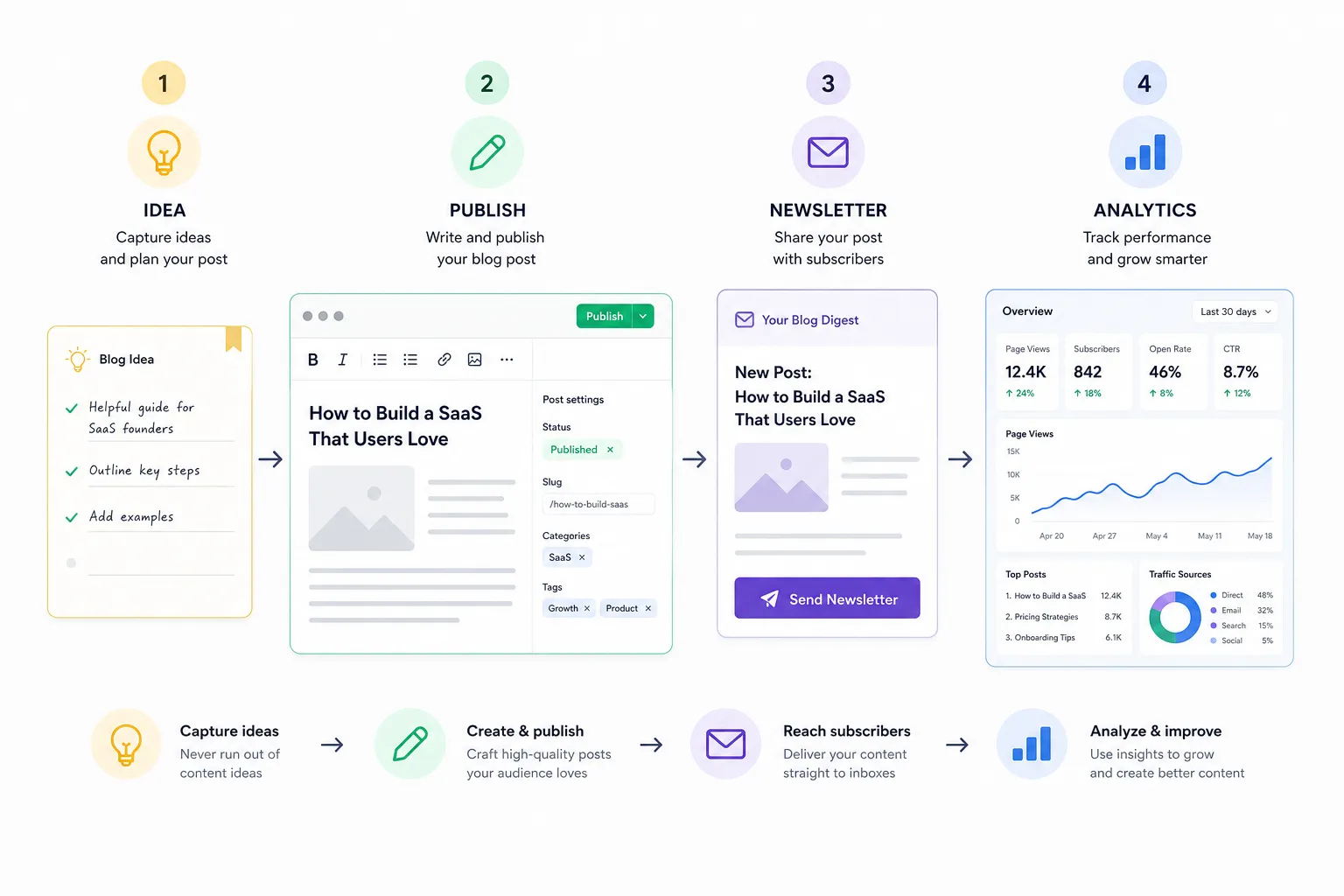
BlogBowl’s integrated analytics dashboard, powered by Umami, gives you actionable insights without the usual analytics bloat. You can quickly see what’s working and what deserves another push.
What “free” really means when you create a blog website free
Free is useful. But it has tradeoffs.
Free is great for:
testing an idea
learning the basics
building your first site
publishing personal content
validating a niche
Free can become limiting when you need:
custom domain control
stronger SEO structure
email/newsletter workflows
cleaner branding
analytics depth
content team collaboration
changelogs and docs in the same ecosystem
So yes, you can create a blog online free. But if the blog is important to your business, speed, SEO, and workflow matter more than zero-dollar setup.
The SEO essentials most new blogs miss
A surprising number of new sites publish content that never gets discovered. Not because the writing is bad - but because the setup is weak.
Prioritize site speed
Fast sites help with user experience, conversions, and discoverability. Slow, bloated builders can quietly hurt performance.
Use clean templates
Your template should be optimized for:
headings
internal links
metadata
mobile rendering
crawlability
readability
Structure content around search intent
Every post should match one clear intent:
informational
comparison
transactional
navigational
Build topical depth, not random volume
Ten connected posts around one audience problem often outperform fifty scattered articles.
Keep URLs clean
Use short, descriptive slugs. Avoid dates unless they matter.
Make every post conversion-aware
Don’t just answer the query. Tell readers what to do next.
BlogBowl is built around these realities. Its templates are fast and SEO-optimized by default, which removes a lot of technical friction that usually slows teams down.
"The top-ranking page on Google earns an average click-through rate (CTR) of 27.6%." - Owlclaw
If rankings matter, the foundation matters.
Best blog content types for founders, SaaS teams, and indie hackers
If your blog supports a product or startup, these formats tend to work well.
Educational evergreen posts
Examples:
how-to guides
beginner explainers
glossaries
framework posts
These help you attract search traffic consistently.
Comparison posts
Examples:
tool A vs tool B
hosted blog vs self-hosted blog
free site builder vs dedicated blog platform
These capture high-intent readers.
Product-led content
Examples:
how to solve a problem using your workflow
use cases by role
product update breakdowns
implementation guides
This is where BlogBowl is especially useful. A company can publish educational posts, release notes, and customer help docs in one content hub.
Newsletter-friendly commentary
Examples:
weekly insights
founder notes
trend analysis
curated roundups
These are perfect when your publishing system includes native newsletter tools.
A smarter content stack: blog, newsletter, changelog, and docs together
Many teams start with a blog and end up needing four separate systems:
CMS for articles
email tool for newsletters
docs tool for help center
analytics tool for reporting
That stack gets messy fast.
BlogBowl simplifies it.
Instead of stitching together platforms, you can:
launch a blog in minutes
publish a changelog without developer involvement
maintain help docs in the same ecosystem
capture and send newsletters from one dashboard
view traffic and engagement data in one place
That’s not just easier. It’s faster and more sustainable.
Common mistakes when you start your own blog free
Mistake 1: Choosing purely on template looks
A pretty template is nice. Performance, SEO, and workflow are more important.
Mistake 2: Launching without a subscriber strategy
Traffic is rented. Email is owned.
Mistake 3: Ignoring analytics
If you don’t measure, you can’t improve.
Mistake 4: Publishing random topics
Your content should build authority in a specific lane.
Mistake 5: Making the blog hard to maintain
If your team needs engineering help every time they want to publish, your system is broken.
Mistake 6: Separating blog, updates, and support content
Readers don’t think in tools. They think in answers. A connected content experience often performs better.
How BlogBowl helps you launch faster and grow smarter
If you want more than a basic starter site, BlogBowl is built for the next stage from day one.
Launch in minutes
No setup headaches. No patchwork plugins. No waiting on engineering.
Stay no-code
Publish and manage content without technical help.
Rank with fast templates
Use lightning-fast, SEO-optimized templates built for performance.
Grow your audience with built-in newsletter tools
Collect subscribers, send or schedule emails, and track results inside the platform.
Understand what’s working
Use the integrated Umami-powered analytics dashboard for traffic, engagement, referrers, geography, and more.
Scale content operations
Run unlimited blogs, changelogs, and help docs on paid plans.
Keep control
Use custom domains, flexible hosting setups, and an open-source core for extensibility and ownership.
Collaborate as a team
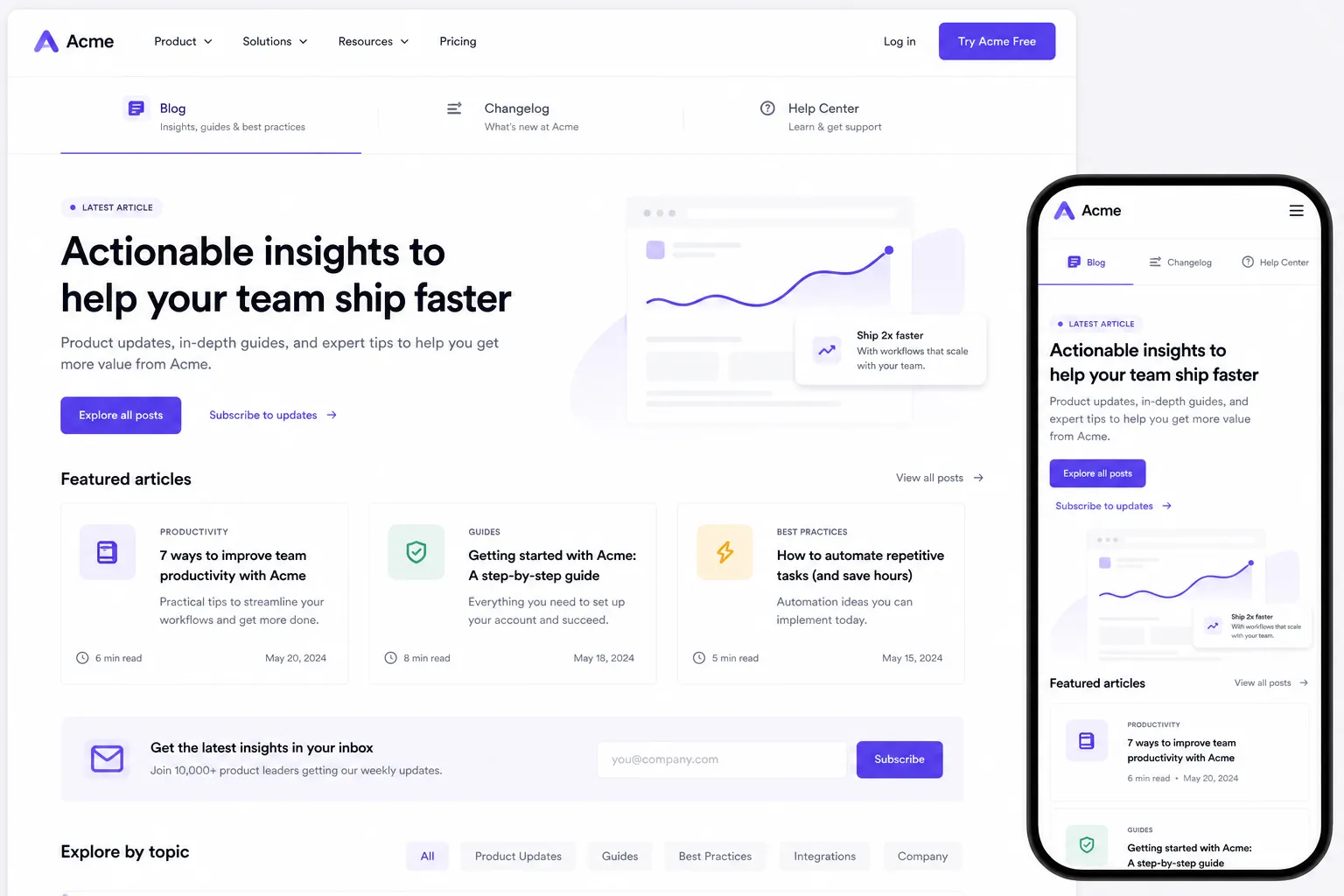
Multi-author support makes it easy for content, product, and support teams to contribute.
Final verdict
Yes, you can build your own blog for free. And for many people, that’s the right first move.
But if your blog is meant to do real work - bring in traffic, educate buyers, support product launches, grow a newsletter, and reduce content overhead - then the best choice is not just a free builder. It’s a platform designed for publishing performance.
That’s why BlogBowl is such a strong fit for SaaS founders, startup teams, B2B marketers, and non-technical creators. You get the speed of a modern no-code experience, the structure of a serious content platform, and the built-in tools most teams end up needing anyway.
If you’re ready to create your blog website without the usual complexity, try BlogBowl and launch a blog, changelog, or help center in minutes.
FAQ
Where can I start my own blog for free?
You can start on free website builders like Wix or Canva if you want the fastest entry point. If you want a more scalable setup for content marketing, newsletters, changelogs, and analytics, BlogBowl is the better next step once you’re ready to grow.
How do I start my own blog for free and make money?
Start by choosing a niche, publishing useful content, and adding ways to capture attention like email subscribers, product offers, affiliate links, or services. The key is to build traffic and an owned audience first, then monetize with offers that match what your readers already want.
How much money is a 1000 views on a blog?
It depends on your niche, traffic source, and monetization model. 1,000 blog views might earn very little from ads alone, but can be much more valuable if those readers join your newsletter, book a demo, buy a product, or convert through affiliate offers.