


The best SEO tools for small business depend on what is holding you back. RankSpot lets you pay as you go for research and execution; BlogBowl gives you a fast place to publish. Set up Google Search Console to see how your own pages perform. If your next problem is local visibility, a technical crawl or deeper competitor research, pick a tool for that job.
You won't need all 12. Tool sprawl is a real cost for small teams: the U.S. Chamber of Commerce’s 2026 Empowering Small Business report found that 41% of small businesses now use six or more technology platforms, up 9 points from 2025. Start with the budget stack that fits, then watch for overlapping research subscriptions.
Compare the 12 tools at a glance
The table shows starting prices in USD, checked on each vendor’s pricing page in November 2026. Billing terms matter, and usage charges can change what you pay; free options often limit queries or features.
Tool | Best for | Cheapest plan | Free plan or option |
|---|---|---|---|
RankSpot | Pay-as-you-go SEO research, AI visibility and execution | No subscription; top-ups from $10 | $1 credit on signup |
BlogBowl | Publishing an SEO-ready blog, docs and updates | Starter $9.99/month | 14-day free trial; open-source core free to self-host |
Google Search Console | Measuring organic search and indexing | Free | Yes |
Semrush | Broad research and competitive SEO workflows | SEO $139/month | Free plan, 10 reports/day |
Ahrefs | Backlinks and competitive research | Starter $29/month | Ahrefs Webmaster Tools |
SE Ranking | All-in-one campaign management | Core $129/month ($103.20 billed annually) | 14-day free trial |
Moz Pro | Guided keyword and site work | Starter $49/month | Free Moz account and MozBar |
Mangools | Simple keyword research | Basic $37.70/month billed annually | No free plan |
Ubersuggest | Lower-cost keyword and content ideas | Individual $29/month | Limited free searches |
Screaming Frog SEO Spider | Desktop technical crawls | $279 per user per year | Crawl up to 500 URLs |
Surfer | On-page content editing | Standard $99/month billed annually | No free plan |
Google Business Profile | Local presence on Google Search and Maps | Free | Yes |
1. RankSpot: pay-as-you-go SEO research and execution
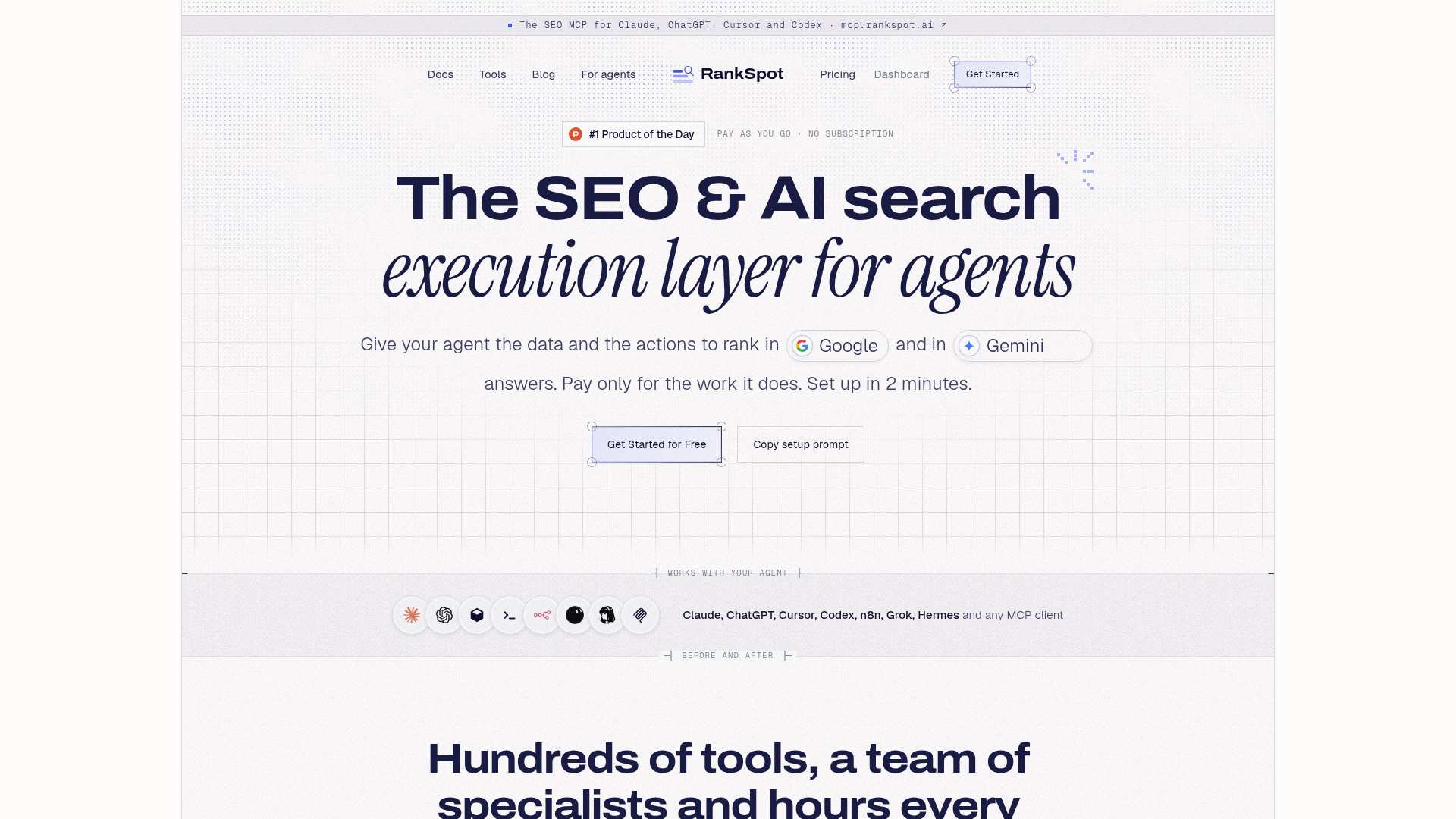
If you're taking a keyword idea all the way to a published page or outreach, RankSpot covers more than the research step. The pay-as-you-go workflow includes keyword research and tracking, competitor and backlink analysis, Google Search Console data, SEO/GEO article writing and CMS publishing, plus contact finding and email outreach for links. Its AI visibility checks show whether ChatGPT, Perplexity, Gemini and Google AI Overviews or AI Mode mention and cite your business.
Over MCP, it works with Claude, ChatGPT, Cursor and n8n. It remembers your brand, keywords and history between sessions, so an AI agent can pick up recurring research tasks with that context. Pricing is usage-based: $0.004 per AI check, $3 per article, $1 in signup credit, and top-ups starting at $10. That suits founders who prefer flexible spend, though a high-volume team should keep an eye on usage. RankSpot does not replace a specialist desktop crawler.
2. BlogBowl: an SEO-ready home for content
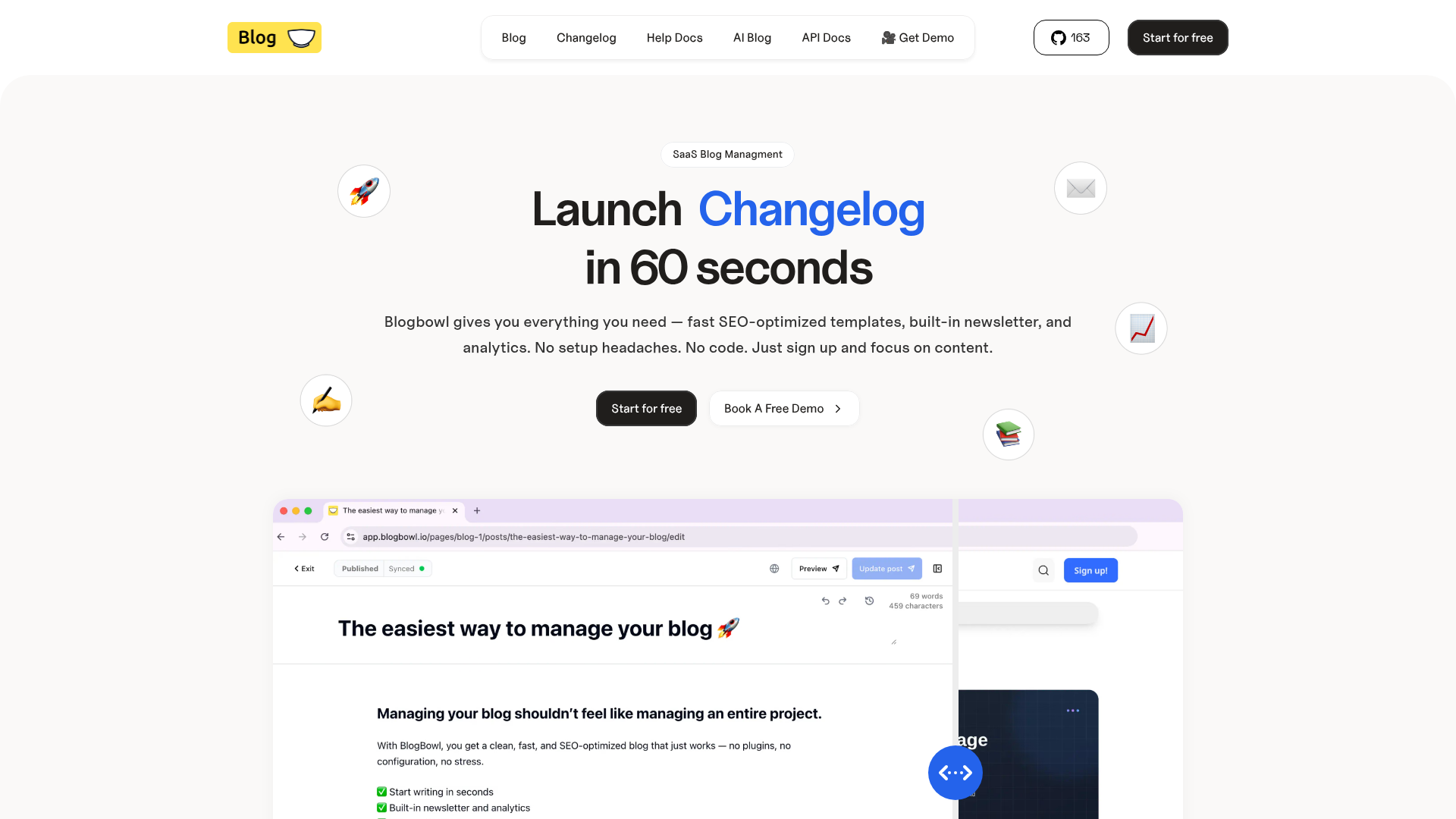
BlogBowl is where a small team can get posts live without asking an engineer to deploy each one. Its publishing setup includes fast templates, clean markup, sitemaps, custom domains and built-in Umami-powered analytics. The same workspace supports changelogs and help documentation.
The newsletter is built in: collect subscribers through CTA blocks, schedule or send emails, and see opens, clicks, locations and bounces. You can choose a custom domain, subfolder, subdomain or hosted BlogBowl address. Technical teams can customize the open-source core.
Starter costs $9.99/month (one blog, 5,000 page views, 500 subscribers). Standard is $19/month with unlimited blogs, a custom domain, 10,000 page views and 10,000 emails a month. Premium is $89/month with 100,000 page views and emails. Every plan has a 14-day free trial, and the core is free to self-host. It suits a SaaS team that needs to publish and build a subscriber list, alongside separate competitive keyword research or a specialist site crawl.
3. Google Search Console: the first free tool to set up
Search Console shows the queries behind your impressions and clicks, how pages appear in Google Search, and whether Google has indexed your URLs. A page getting impressions but few clicks is a place to revisit its title and answer. Submit a sitemap after launch; if a key URL is missing from search, inspect it there.
"The Performance report shows important metrics about how your site performs in Google Search results." - Google Search Console Help
It is free. Because it reports data for your property, investigating a rival's keywords or finding topics outside your existing queries calls for another tool.
4. Semrush: a broad toolkit for teams with a larger budget
Semrush combines keyword discovery, competitor research, site auditing and campaign tracking. If a marketing team wants to see which topics a rival covers, it can use that view to find ones its own product or customer knowledge can support.
The SEO plan starts at $139/month ($117.33/month billed annually); the free plan allows 10 reports a day. A team still testing its content strategy can use the allowance or pay for occasional research before taking on the subscription.
5. Ahrefs: backlink and competitor exploration
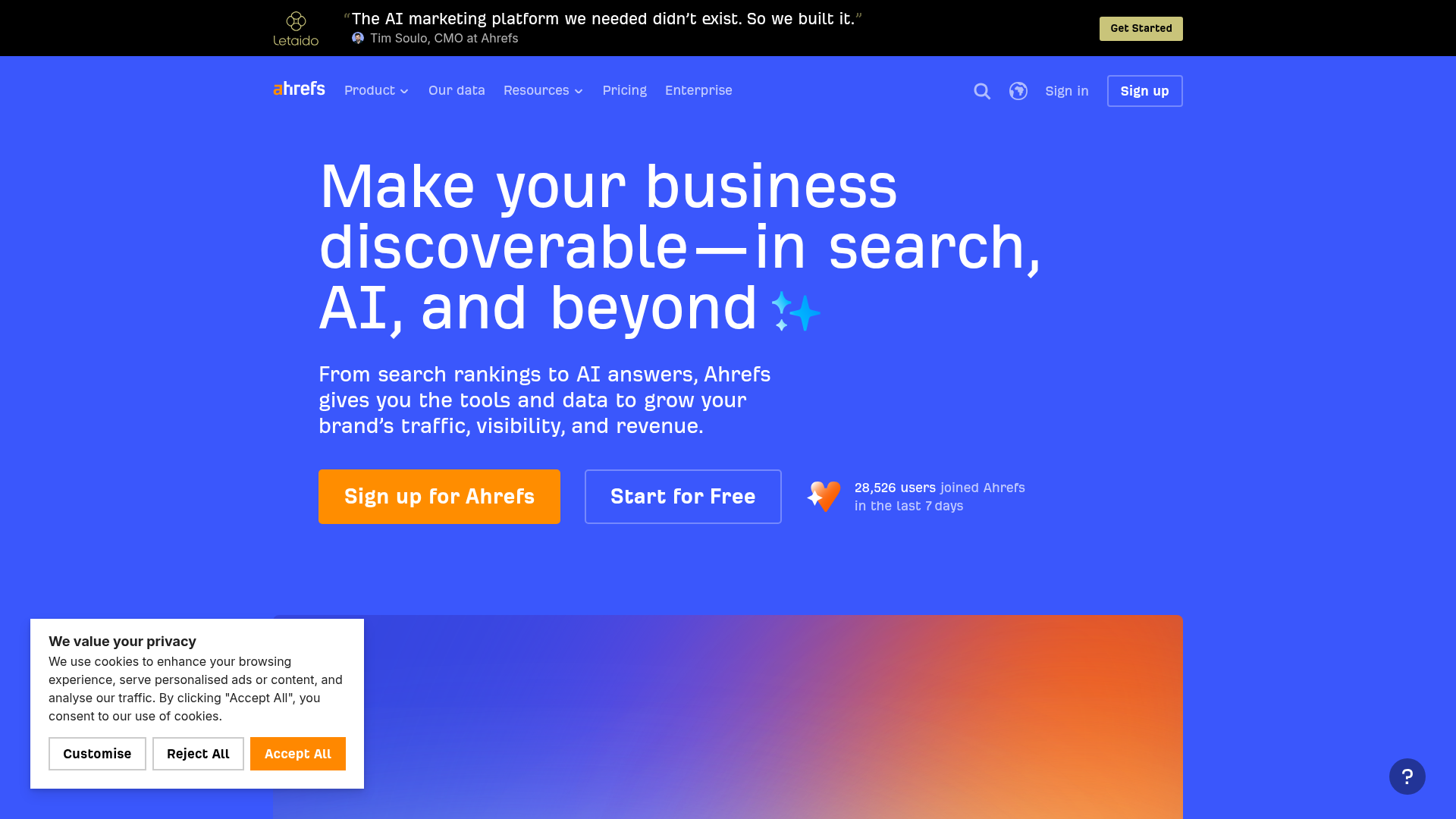
Ahrefs is useful when you want to understand where competitors earn links. Its backlink and keyword data shows which pages attract citations, giving you a starting point for deciding what your business could produce. Ahrefs Webmaster Tools provides a free view of your verified site.
Starter costs $29/month; Lite costs $129/month. If you need the depth or allowances in Lite, budget for that tier rather than treating Starter as an equivalent.
6. SE Ranking: manage ongoing SEO campaigns
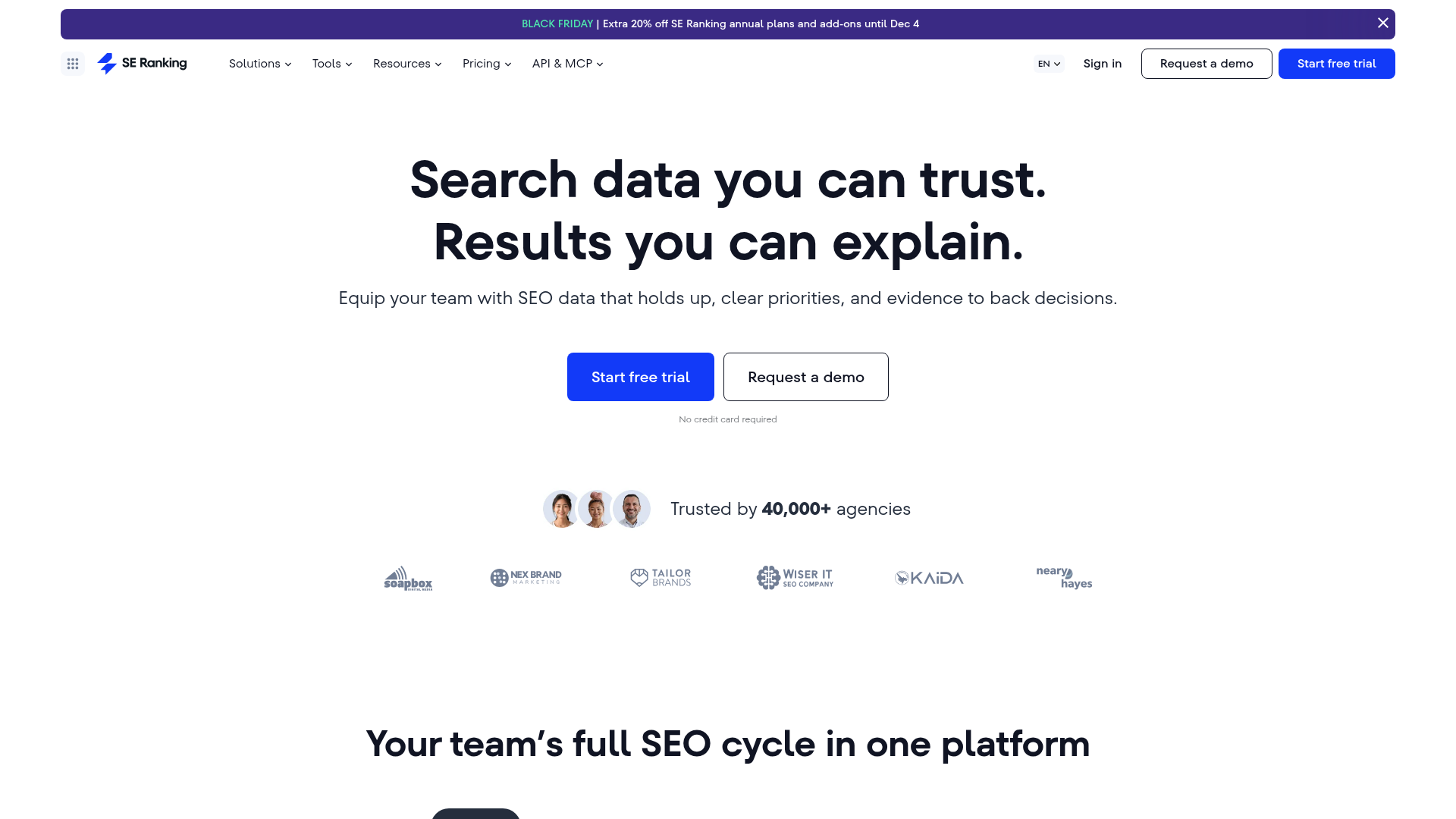
SE Ranking combines keyword monitoring, audits, competitive research and backlink monitoring in one dashboard. A team member running an ongoing SEO program can use it to see progress over time.
Core costs $129/month, or $103.20/month billed annually, with 10 projects and 2,000 tracked keywords; there is a 14-day free trial. You can justify that spend if you use several parts of the suite each week. If you publish only a couple of articles a month, you may not need it. Choose one main suite from SE Ranking, Semrush, Ahrefs and Moz Pro because their functions overlap.
7. Moz Pro: a guided route into SEO
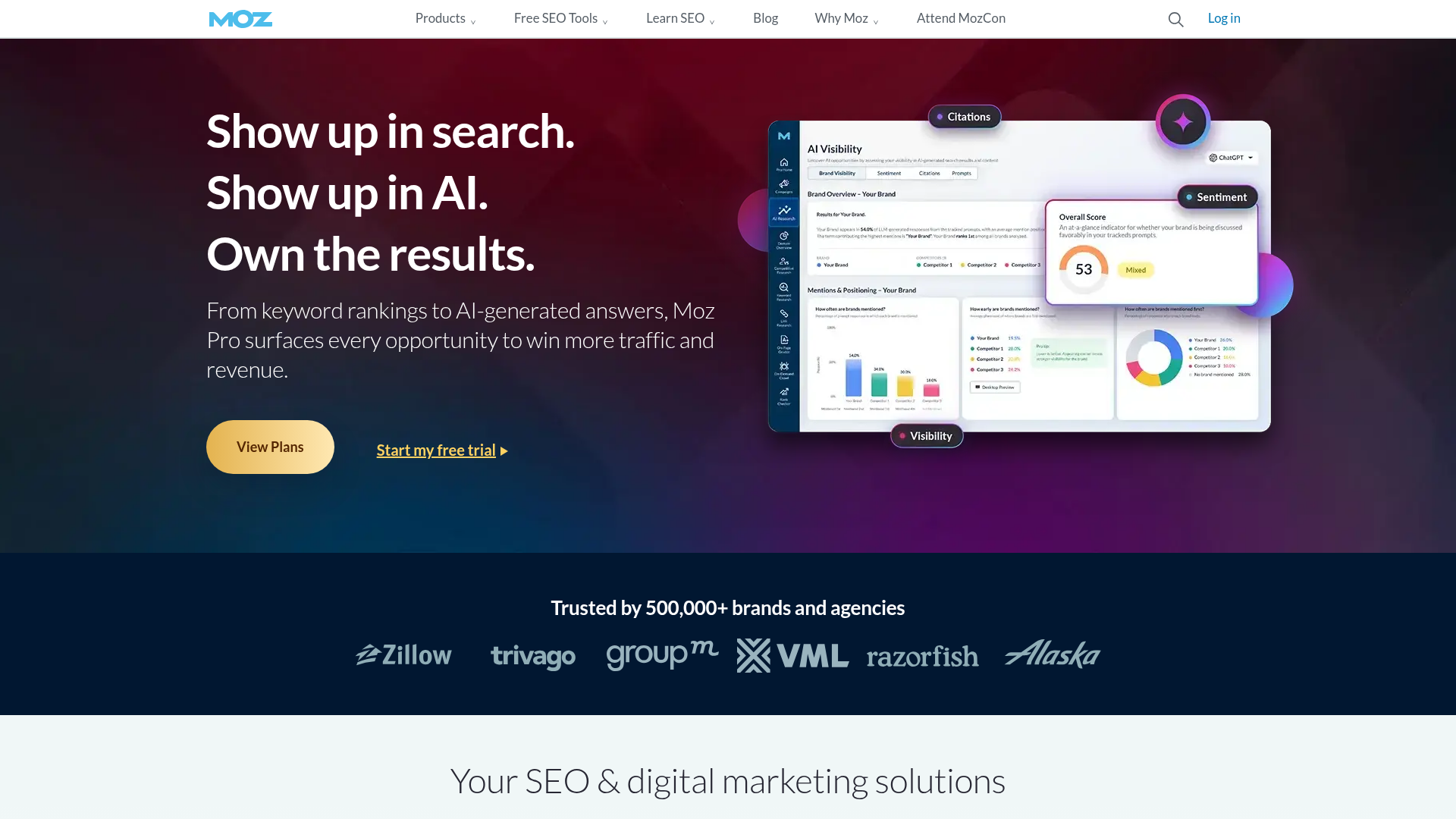
Moz Pro wraps keyword research, site crawling and link analysis in a guided workflow. That can help a small-team marketer find technical issues and set priorities without building a reporting system from scratch.
Starter costs $49/month ($39/month billed annually). A free Moz account includes 10 Link Explorer queries a month and the MozBar browser extension. Neither option publishes the pages you plan, so you will still need a publishing home.
8. Mangools: focused keyword discovery
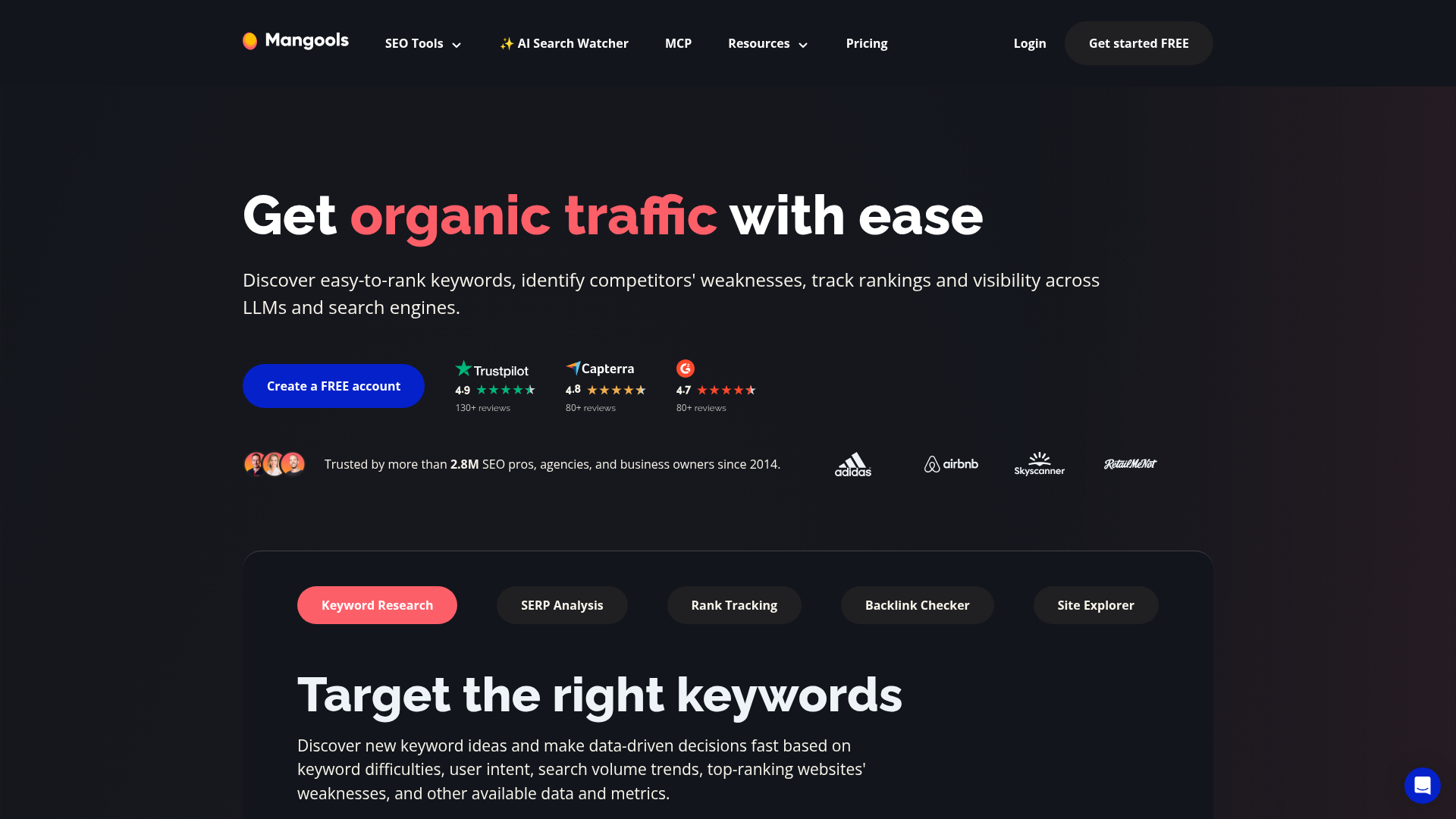
Mangools gives a solo marketer a straightforward way to work through keyword ideas and search results. Make a shortlist of feasible topics, then inspect the pages competing for them.
Basic costs $37.70/month on annual billing ($61 billed monthly). Publishing or a deep technical crawl still requires another tool.
9. Ubersuggest: affordable content ideas
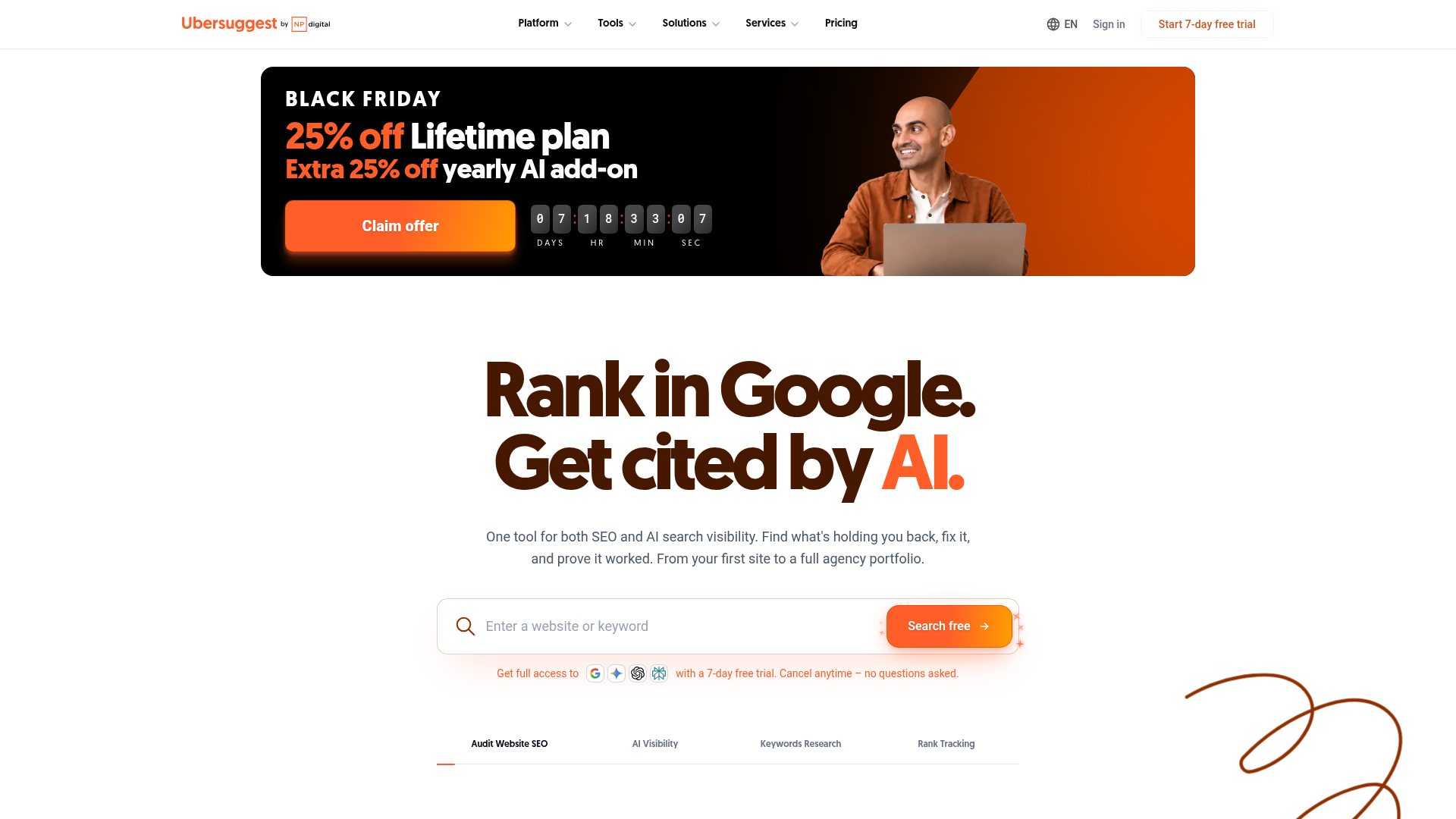
Ubersuggest is an approachable place to find keyword suggestions and content ideas on a modest budget. Start with a broad service or product category and narrow it to questions you can answer well.
Individual costs $29/month, with higher tiers at $49 and $99/month; the free version allows about three searches a day. A team needing substantial campaign reports or large-scale competitor analysis may outgrow it.
10. Screaming Frog SEO Spider: find technical problems on your own site
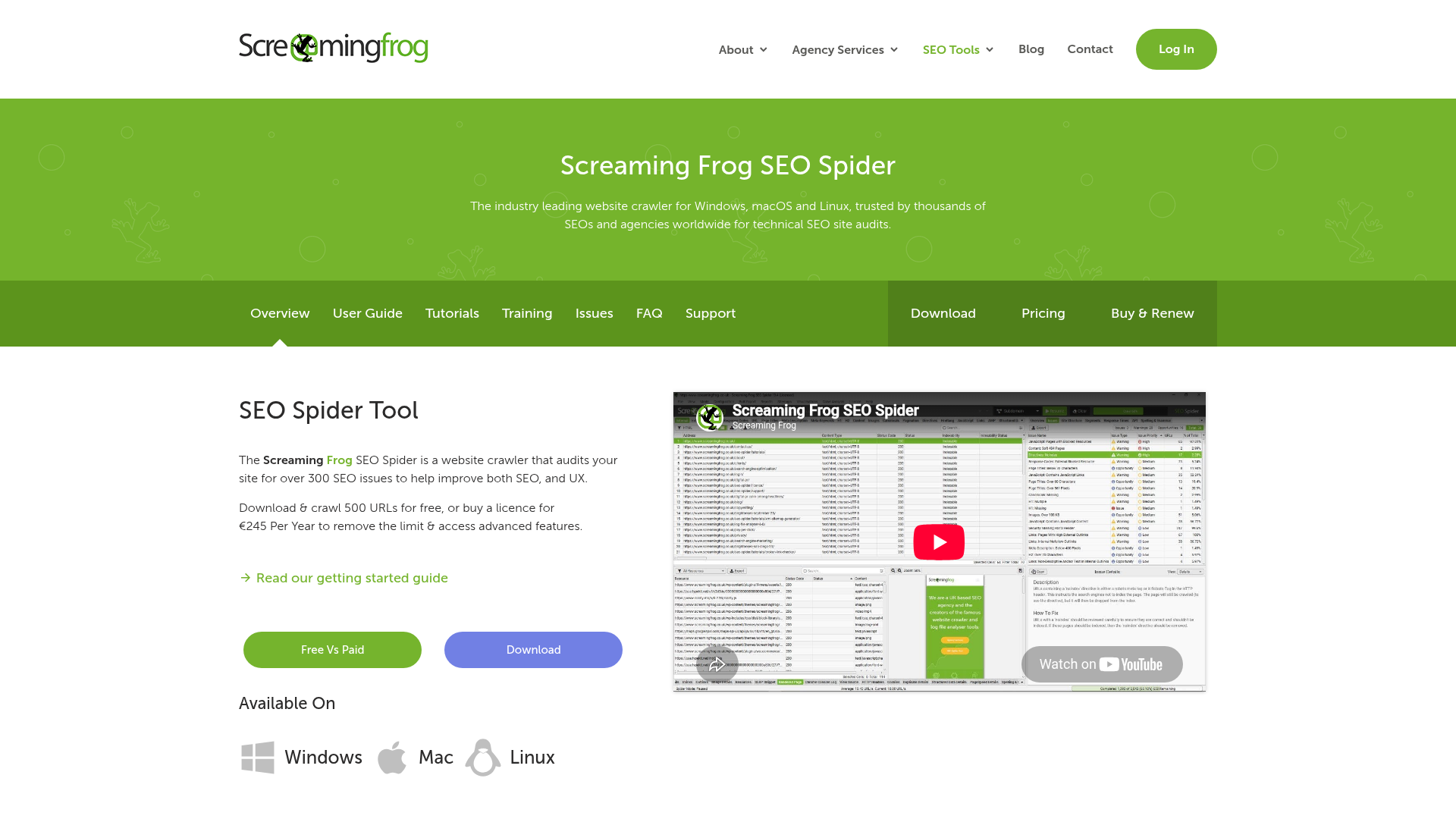
Screaming Frog runs a crawl from your desktop to find broken links, duplicate titles and other page-level issues. The free version covers up to 500 URLs per crawl, which is enough for many small sites.
The paid licence costs $279 per user per year. A post-migration crawl can uncover problems across the site, though the output takes some practice to interpret. Your team must prioritize the findings and make the fixes.
11. Surfer: optimize drafts before publishing
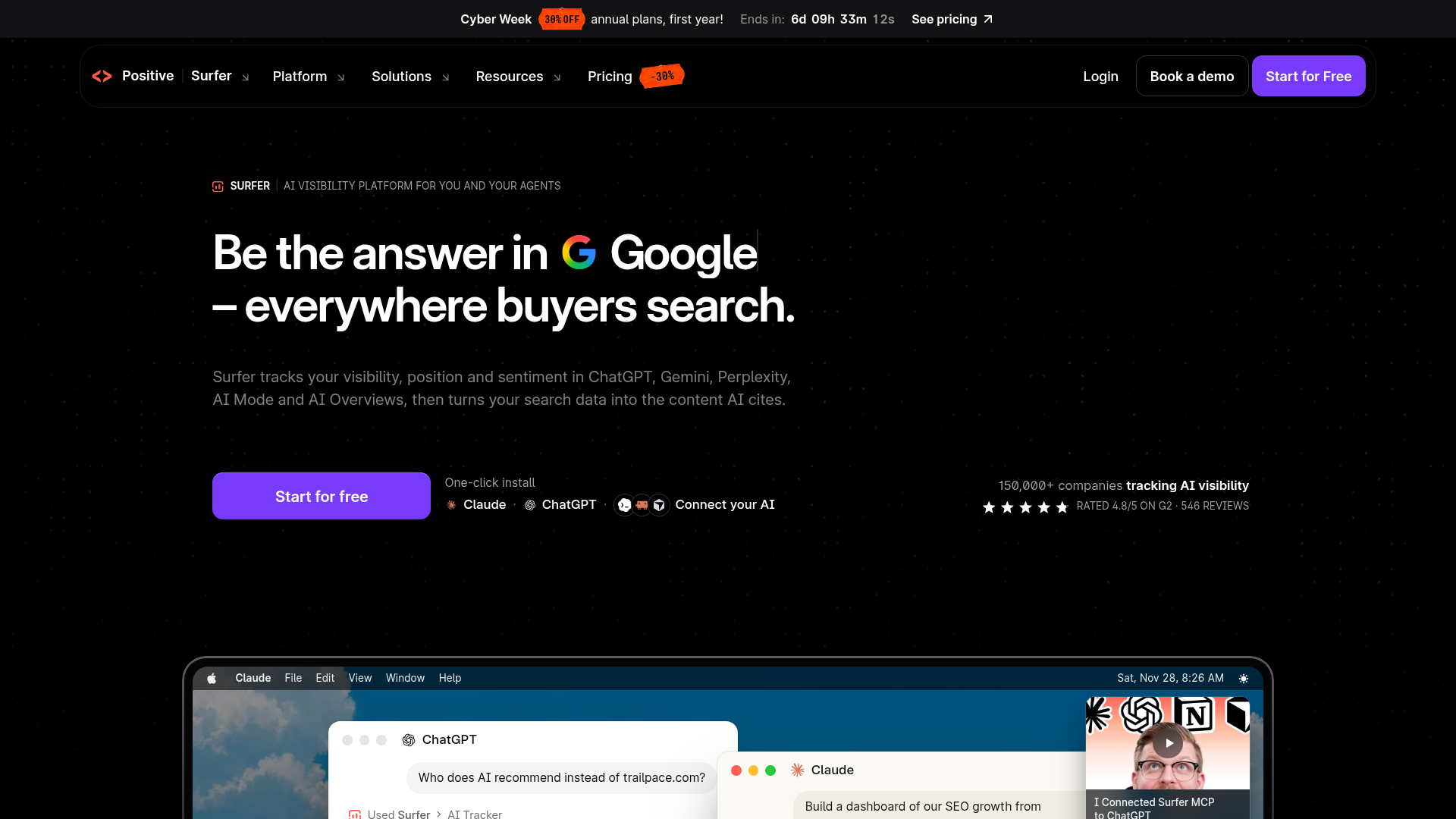
Surfer gives writers a structured way to edit a draft for a chosen topic. That can help when several people contribute to the content program. It does not supply your Search Console performance data or host your site.
Standard costs $99/month on annual billing ($119 billed monthly). If your publishing schedule is light, begin with a clear brief and editorial judgment. The dedicated editor is easier to justify when your writers use it regularly.
12. Google Business Profile: local visibility without a subscription
For businesses with a location customers visit or a local service area, Google Business Profile controls the listing on Google Search and Maps. Keep the details current, add useful photos and respond to reviews. The profile is free.
It still matters even as customers try AI assistants: eMarketer reports that 75% of US consumers who used AI to find a local business checked Google or Maps before contacting it, based on a July 2026 survey of 1,227 consumers.
An online-only SaaS company may have no use for a profile. An eligible local business should set one up alongside Search Console and continue maintaining its website content and technical SEO.
Build a stack for your budget
Your monthly bill should reflect the work you need to do. These stacks use starting prices; usage charges may add to the total.
Budget | Stack | Fixed software cost | What you gain |
|---|---|---|---|
Free | Search Console + Google Business Profile if eligible + Screaming Frog free; BlogBowl Core if you can self-host | $0/month in tool licences | Own-site data, local presence and a small-site crawl; self-hosted publishing requires hosting and setup |
Starter | Search Console + BlogBowl Standard + RankSpot as needed | $19/month plus RankSpot usage | Publish on your own domain and buy research or execution when needed |
Growth | Search Console + BlogBowl Standard + Semrush SEO + Screaming Frog free | $158/month | A publishing home, broad research and a technical spot-check |
With the starter stack, a $10 RankSpot top-up brings the initial outlay to $29. You spend the credit as you use it. If backlink investigation takes priority over publishing, Ahrefs Starter costs $29/month. Eligible local businesses can add Google Business Profile to any stack for free.
Which tool should you buy first?
Set up Search Console to see how your pages perform. No content hub yet? A publishing platform is the next purchase. If the site is ready but you need topic ideas or a way to act on them, start with flexible research spend. A full suite makes more sense once someone uses its research, monitoring and audit features every week.
If the problem is technical, run the free Screaming Frog crawl before paying for a content optimizer. For a service-area business, get an eligible Google Business Profile in shape before spending on article optimization. Put the budget toward the pages and business details your team can improve.
The practical verdict
Start with free Search Console for search performance and RankSpot for flexible research and execution. If getting posts live is the sticking point, try BlogBowl free for 14 days to launch a no-code, SEO-ready blog on a fast site. Choose the plan that fits your team; add a larger research suite when its depth earns a place in your weekly work.
FAQ
What are the famous SEO tools?
Semrush, Ahrefs, Moz Pro and Google Search Console are widely used options. Pick according to the job: competitor research, technical checks or data from your own site. Publishing needs its own platform.
Are small SEO tools reliable?
Yes, if the tool does the job you need. Third-party keyword and traffic figures are estimates; use Search Console to see what your site earns.
Can ChatGPT do SEO?
ChatGPT can help with outlines, ideas and SEO-tool workflows. RankSpot works over MCP with ChatGPT for research and execution. Use Search Console for first-party search data and a CMS to publish.
Is SEO dead or evolving in 2026?
SEO is evolving. Small teams still need pages that answer customer questions and Search Console data to measure them. AI tools are now part of daily work: the same U.S. Chamber report found 66% of small businesses use AI, so AI visibility checks add a useful view of whether AI-powered search experiences mention or cite your business.
Can a beginner do SEO?
Yes. Set up Search Console, answer a customer question on a useful page, then see whether it gets impressions. Pay for another tool when you have a task you will use it for regularly.