


The best blogging sites solve different jobs. Pick BlogBowl if you run a SaaS or startup and need a blog, changelog, help docs, and newsletter in one publishing workflow. Pick Ghost for a membership publication, WordPress.org for extensive customization, or Substack if you build your readership through email.
You can learn to blog on a free vendor subdomain. For a company site, budget for your own domain, hosting, email sends, traffic limits, and maintenance before choosing a plan.
At-a-glance comparison of the best blogging sites
Prices are in USD. “From” shows the lowest advertised paid rate, often with annual billing. WordPress.org software is free, but you pay separately for hosting. “Custom domain on free” means you can connect a domain you own; it does not mean the domain costs nothing. Prices were checked on each vendor’s pricing page in November 2026 and can change.
Platform | Best for | Cheapest paid plan | Free plan | Custom domain on free | Built-in newsletter |
|---|---|---|---|---|---|
BlogBowl | SaaS content hubs | $19/mo Standard | Yes | No | Yes |
WordPress.org | Full-control sites | Software free; hosting extra | Software free | With your own hosting | Via plugins |
WordPress.com | Hosted general blogging | From $4/mo annually | Yes | No | Yes |
Ghost | Membership publications | From $18/mo annually | Trial; software free to self-host | No hosted free tier | Yes |
Substack | Email-first writers | 10% of paid subscriptions | Yes | Yes, one-time $50 fee | Yes |
beehiiv | Newsletter growth | From $49/mo annually at 1,000 subscribers | Yes | No for new connections | Yes |
Medium | Writing for a platform audience | Optional membership $5/mo | Yes | No | Follower emails only |
Wix | Drag-and-drop business sites | From $17/mo annually | Yes | No | Separate email tool |
Squarespace | Design-led business sites | From $19/mo annually | Trial | No free tier | Separate email product |
Webflow | Design-controlled CMS sites | CMS-capable Premium from $25/mo annually | Yes | No | External sender |
Framer | Design-first simple sites | From $10/mo annually | Yes | No | External sender |
Hashnode | Developer writing | Pro $5/mo per seat | Yes | No | Yes, new-post emails |
Blogger | Free personal blogs | No paid platform plan | Yes | Yes, domain purchased separately | No |
Superblog | Dedicated SEO-oriented blogs | $49/mo Pro | Trial | No free tier | Signup forms; sending via your email tool |
HubSpot Content Hub | CRM-connected marketing | Starter from $7/mo per seat (promotional, annual) | Yes | Yes | Via HubSpot email tools |
HubSpot’s Starter list price is $20/month per seat; $7 is a new-customer offer on annual billing. Webflow Basic costs $15/month annually but lacks the full CMS a serious blog needs. WordPress.com advertises a lower monthly equivalent if you commit for three years.
How we picked
We compared speed to publish, SEO defaults, custom-domain access, newsletter capability, and cost at 10,000 monthly visitors. Fast templates and clean URLs help, while useful content and internal links remain your job. Team blogs also need author access and a manageable publishing workflow.
Email matters more than many blog owners expect. In a 2026 B2B marketing survey, respondents named email newsletters among their most effective channels for publishing thought leadership:
"Email newsletters (54%)." - Content Marketing Institute, B2B marketers naming effective thought-leadership publishing channels
At 10,000 monthly visitors, look closely at the billing unit. Page views differ from unique visitors, and subscriber counts differ from email sends. Vendors charge by page views, subscribers, seats, or CMS items, so the same traffic can cost very different amounts.
Below are the 15 platforms, ordered by the job each one does best.
1. BlogBowl: best for SaaS blogs with product content
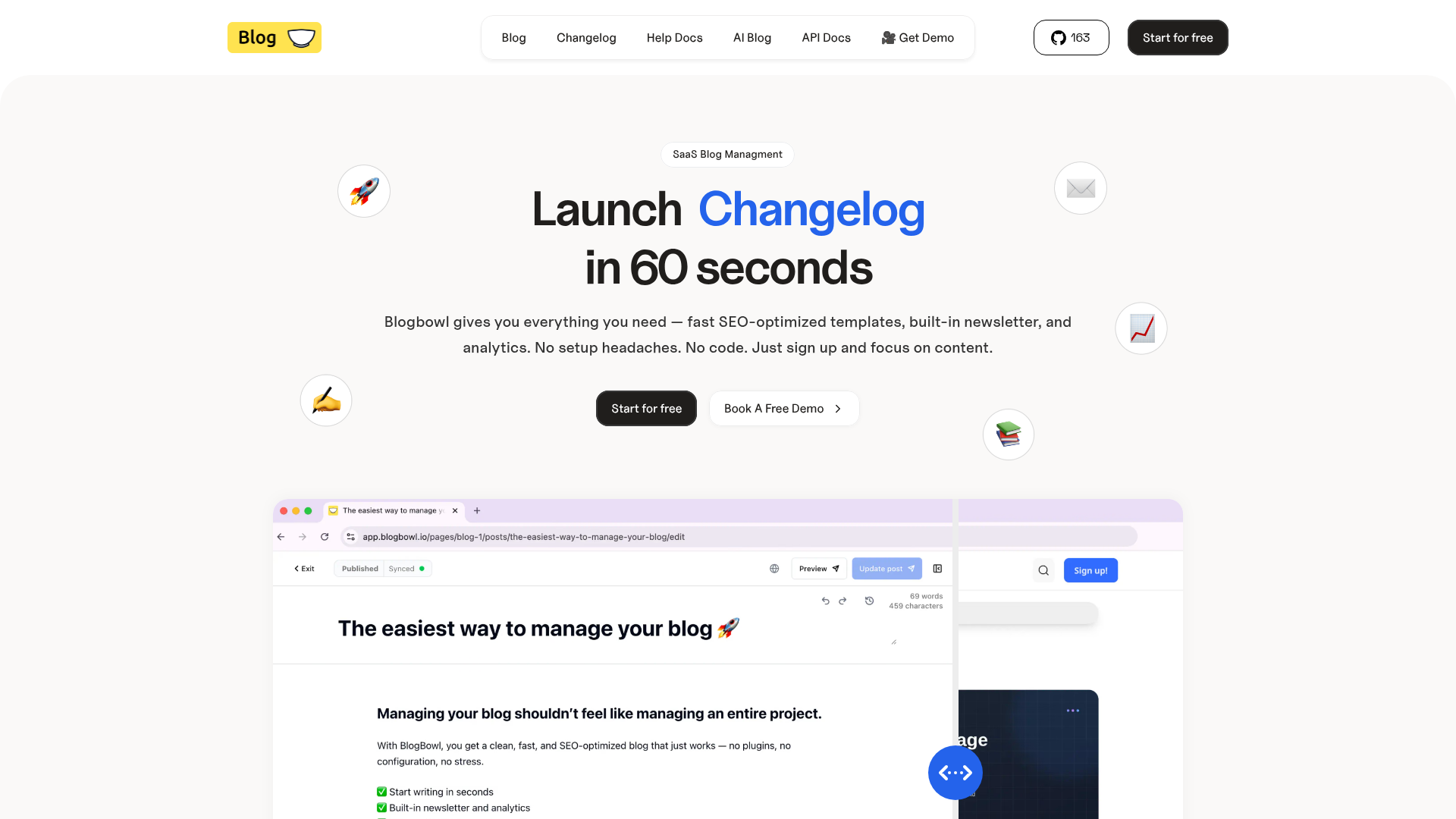
With BlogBowl, a team can publish a blog, changelog, and help documentation from the same workspace. Fast templates and subfolder or subdomain deployment help you launch on your own domain, while the open-source core leaves room for customization. Collect subscribers, send or schedule newsletters, and see opens and clicks alongside Umami-powered traffic analytics.
BlogBowl’s published plans list a free Starter tier with one blog, 250 page views per month, one author, 50 subscribers, and no custom domain. Standard is $19/month with unlimited blogs, a custom domain, unlimited subscribers, 10,000 page views, and 10,000 emails monthly. Premium is $89/month with 100,000 page views, 100,000 emails, and priority chat.
Best fit: a small product team that would otherwise stitch together a CMS, product-update page, docs tool, analytics, and an email sender. Trade-off: the free tier is meant for trying the product, and a fast-growing blog will want Premium for its higher page-view allowance.
2. WordPress.org: best for customization and control
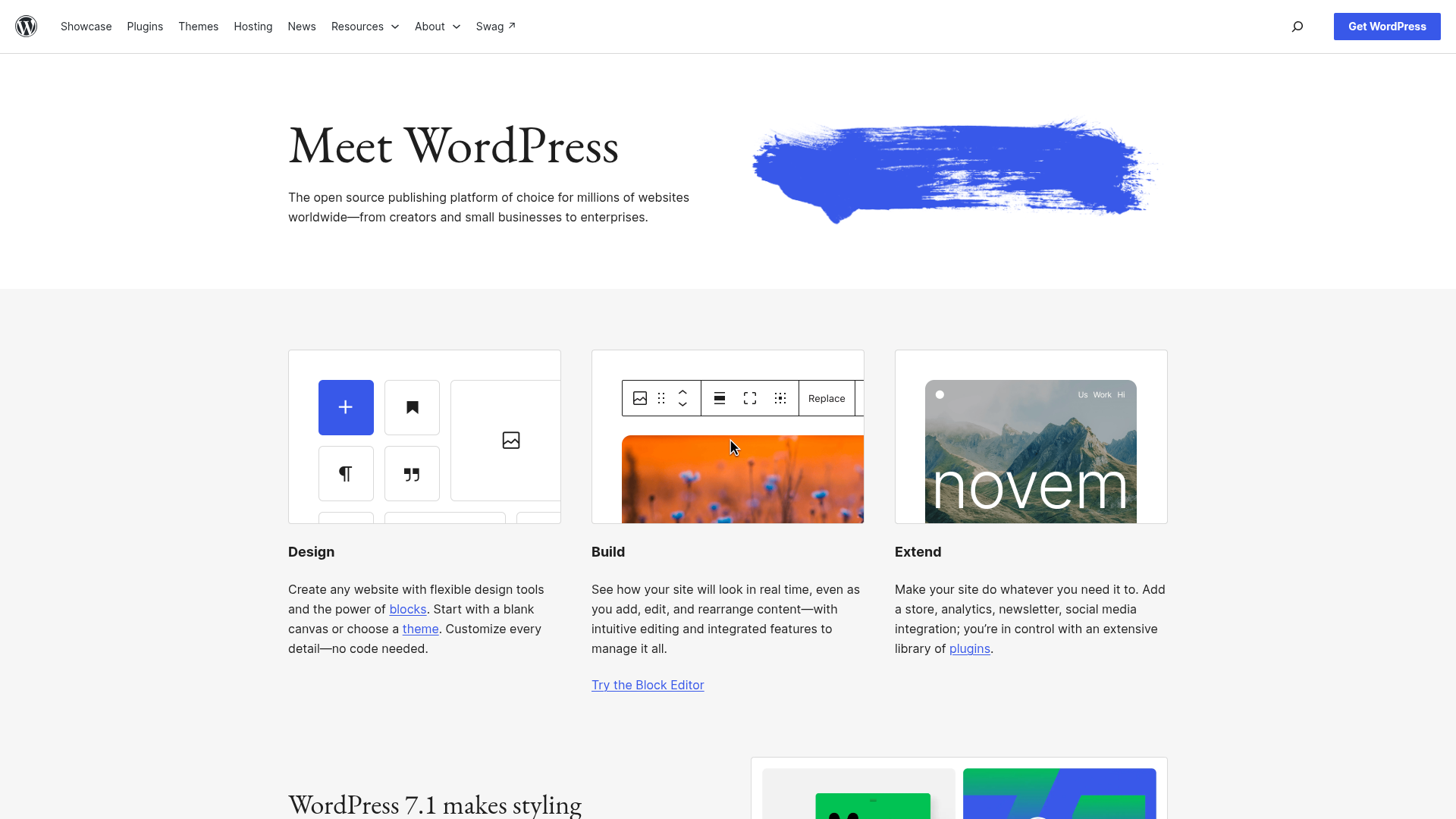
Self-hosted WordPress gives you themes, plugins, and control over your server and data. You can build a personal blog or a complex business site, provided someone handles hosting, backups, updates, and plugin compatibility. For newsletters, plan on a plugin or separate service.
WordPress.org provides the software free; you pay separately for hosting and a domain. Pick it if you want flexibility and have time to maintain it.
3. WordPress.com: best for a hosted WordPress blog
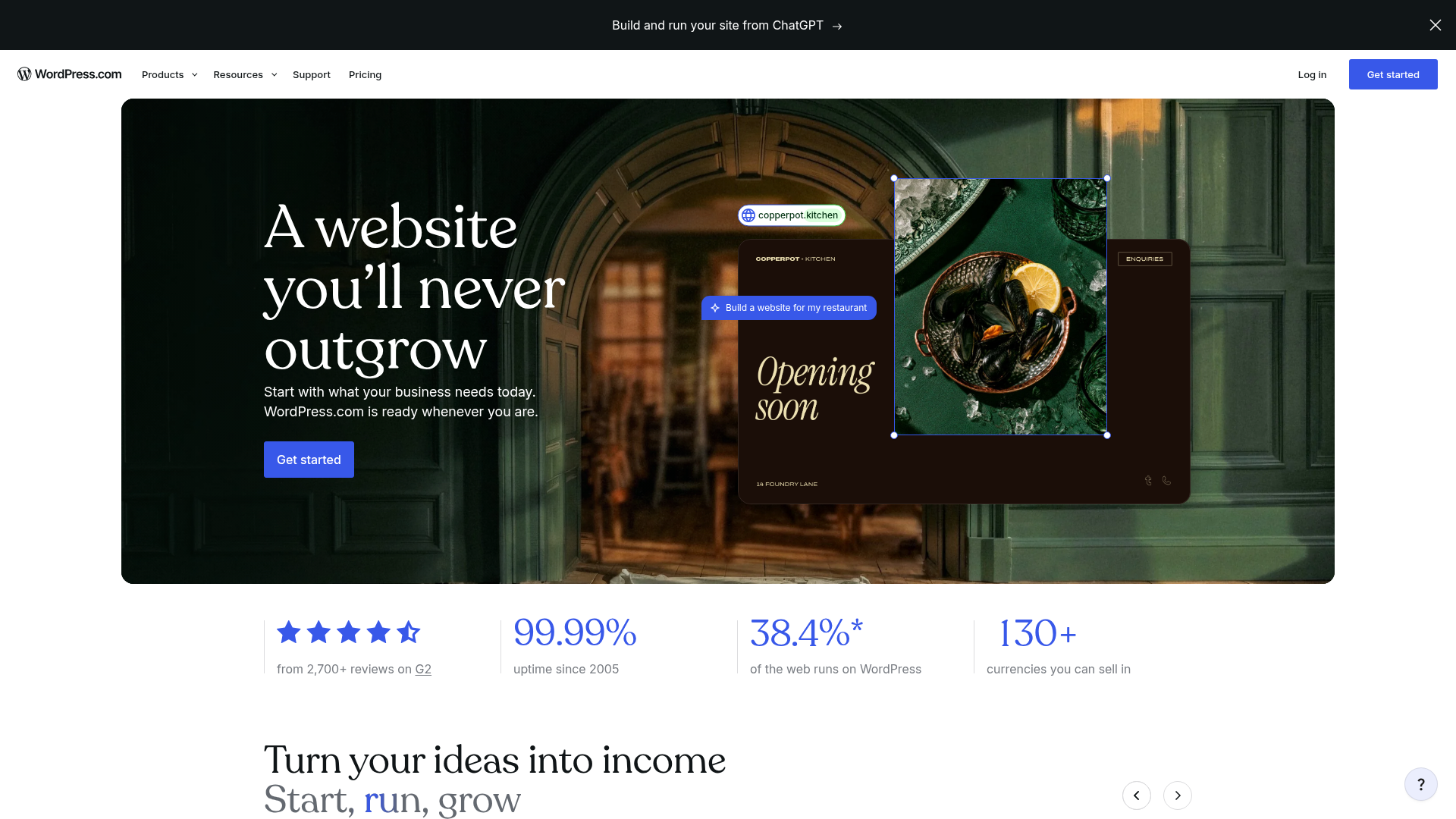
WordPress.com handles hosting, so you can use the WordPress editor without administering a server. The free tier includes a newsletter that emails new posts to subscribers, useful for a personal blog, though you cannot connect your own domain on that tier.
Personal starts at $4/month billed yearly ($9/month billed monthly), and a three-year commitment lowers the monthly equivalent further. WordPress.com keeps setup simple, though an involved custom site may eventually call for self-hosting.
4. Ghost: best for memberships
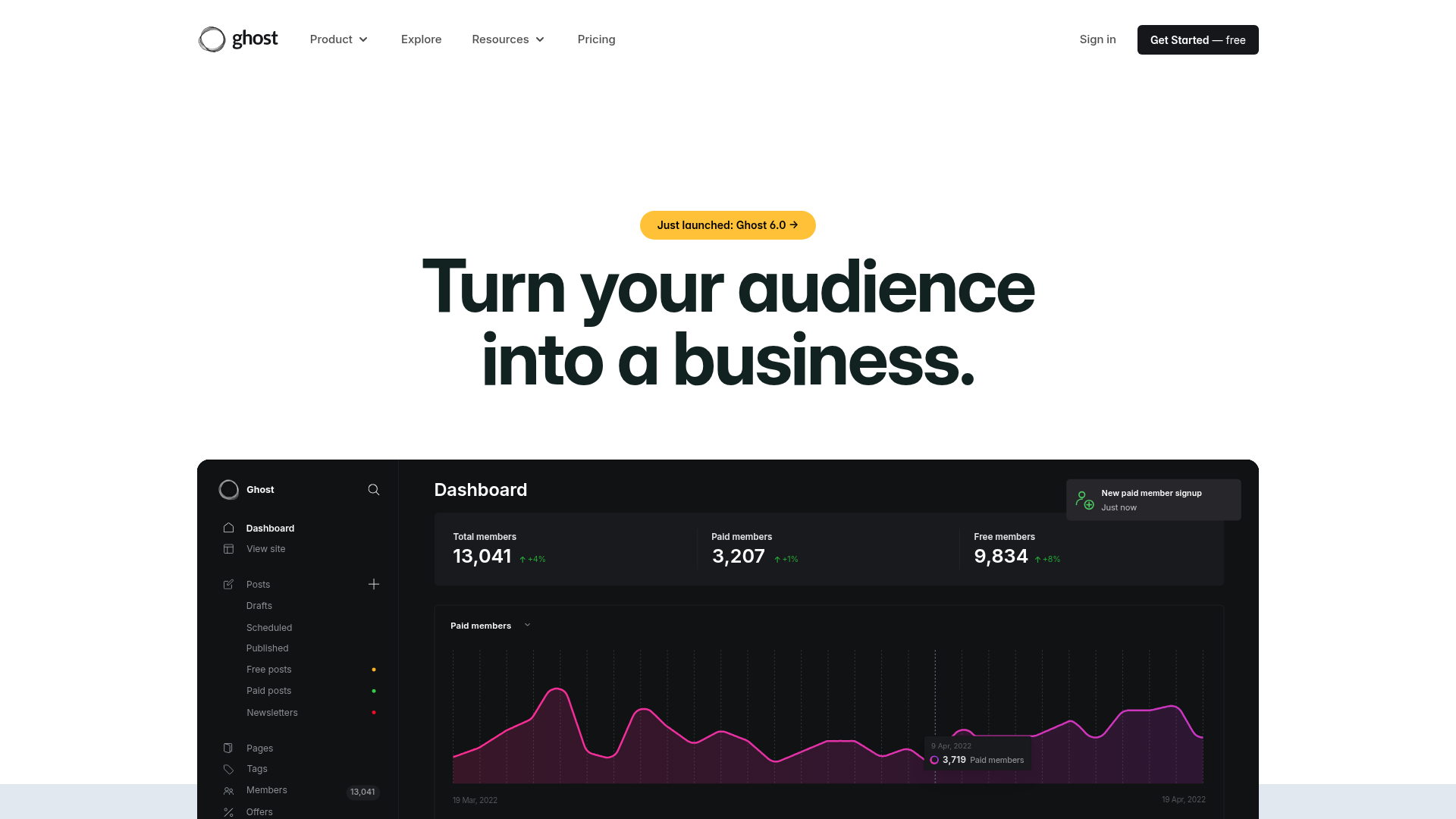
Ghost gives publication teams an editor, email newsletters, and memberships. Choose it if paid readers fund the publication. You can also self-host the software.
Ghost(Pro) Starter costs $18/month with annual billing and includes up to 1,000 members; Publisher is $29/month. Managed hosting has a trial but no permanent free tier. Its focused publishing tools suit a publication; teams building many different page types may want a broader website builder.
5. Substack: best for an email-first publication
You can write and email subscribers on Substack without paying a monthly publishing fee. If you charge readers, Substack takes 10% of paid subscription revenue before payment processing fees. Connecting your own domain is a one-time $50 fee per publication.
Substack fits writers whose readers arrive through email. Free newsletters avoid the revenue cut; with a large paid list, the percentage is worth calculating. For a company site with extensive customization, a dedicated CMS gives you more control.
6. beehiiv: best for newsletter-led growth
beehiiv centers the email audience, and its free plan covers the basics for new creators. Lite starts at $49/month billed yearly at the 1,000-subscriber tier, with the price changing as your list grows; Pro starts at $95/month billed yearly. For a new publication, connecting your own domain requires a paid plan.
If your newsletter is the product, beehiiv is a good fit. Add other tools if you also need product docs and changelogs.
7. Medium: best for publishing without maintaining a site
On Medium, you can publish without buying a website or designing one. You do not need a membership to publish; membership starts at $5/month for readers and certain writer features. Its audience can help an individual writer get started, but followers receive Medium’s emails rather than a list you fully control. A company still needs its own content hub and newsletter setup.
8. Wix: best for a visual small-business website with a blog
Wix lets you build a business website and adjust its layout visually. Free sites carry Wix branding and cannot connect a custom domain. Light starts at $17/month billed yearly; email marketing has its own limits and plans, separate from your website subscription.
Wix makes more sense for a full business website than for a publication built around email.
9. Squarespace: best for polished portfolio and service sites
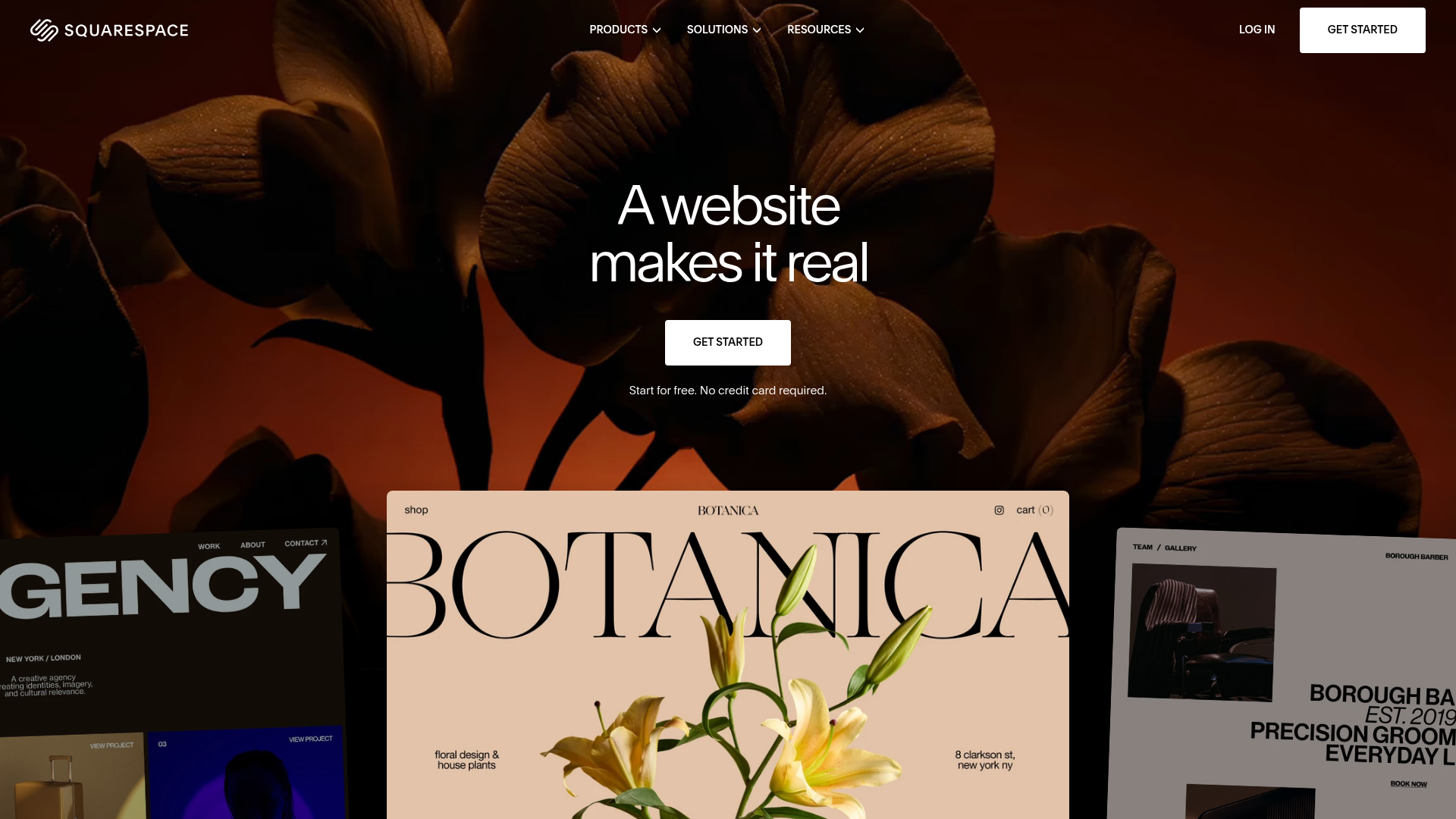
Squarespace works well when your blog sits beside a portfolio or service-business site. It offers a trial, with no permanent free site. Basic starts at $19/month billed yearly ($25 billed monthly); Email Campaigns have separate billing.
Your team can keep the site’s visual style consistent, but product documentation and a changelog will need separate workflows.
10. Webflow: best for a custom-designed CMS blog
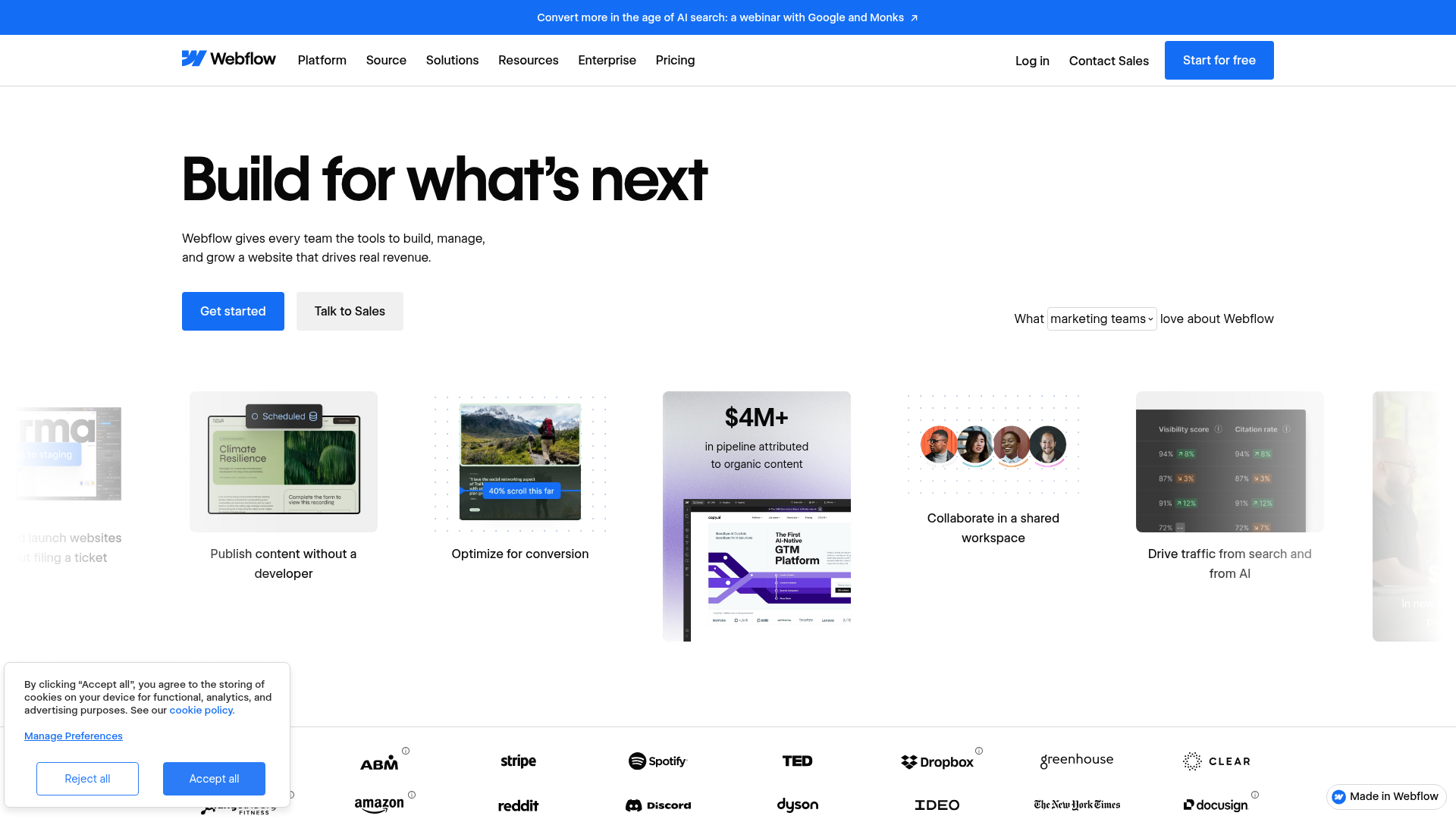
Webflow gives designers control over site layout and CMS-driven pages. Basic starts at $15/month billed yearly; the CMS-capable Premium tier starts at $25/month billed yearly. Budget for Premium if you need a full editorial CMS.
Newsletter sends require an external provider. Webflow suits a design team willing to spend more time building the site they picture.
11. Framer: best for a design-first launch
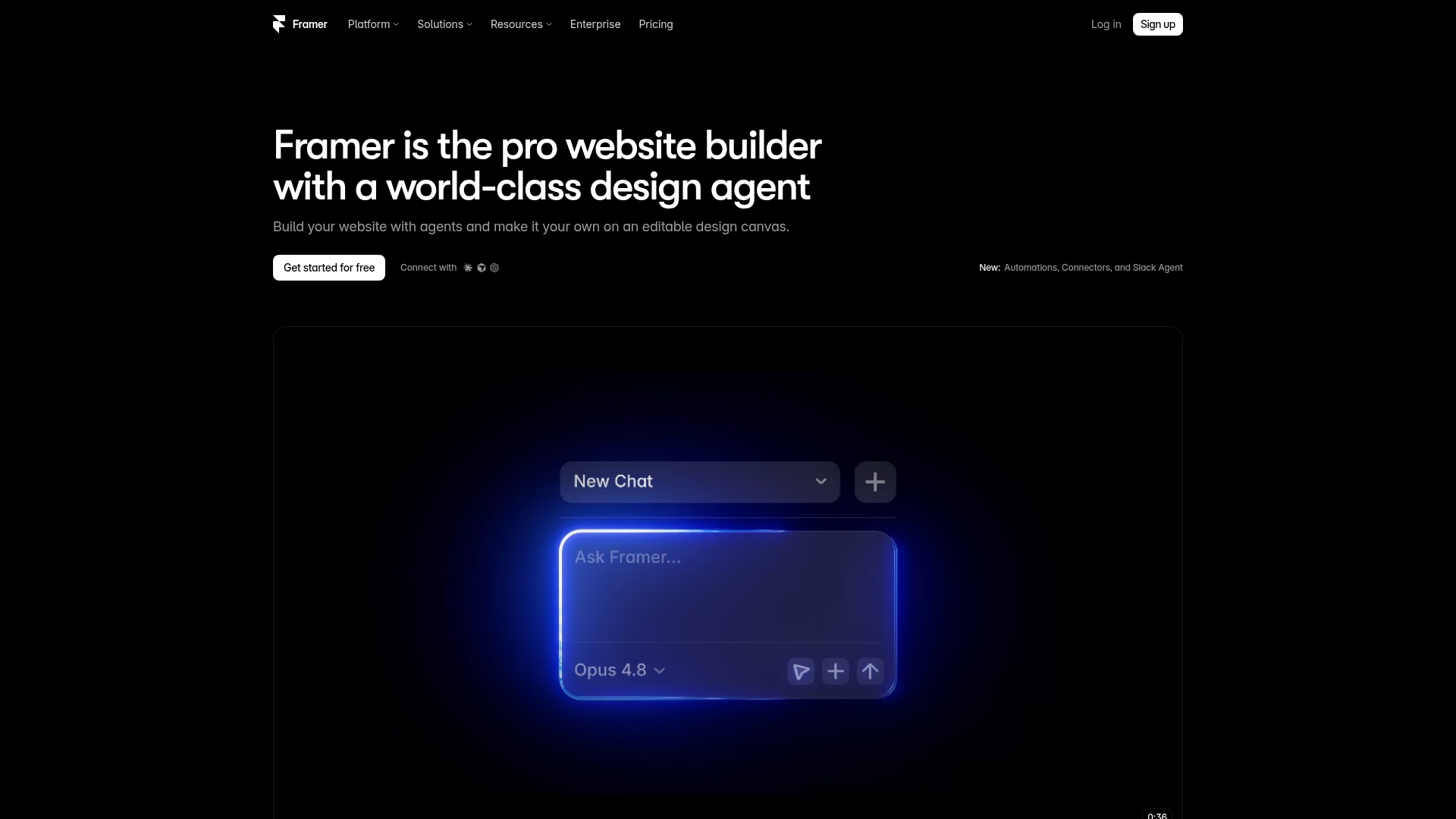
Framer suits teams launching a small site with careful design. Basic starts at $10/month billed yearly and Pro at $30/month; the free tier does not connect a custom domain. You can use its Mailchimp integration for signups, with Mailchimp handling the emails.
For a large, process-heavy editorial operation, scope the content workflow as carefully as the design.
12. Hashnode: best for developer writing
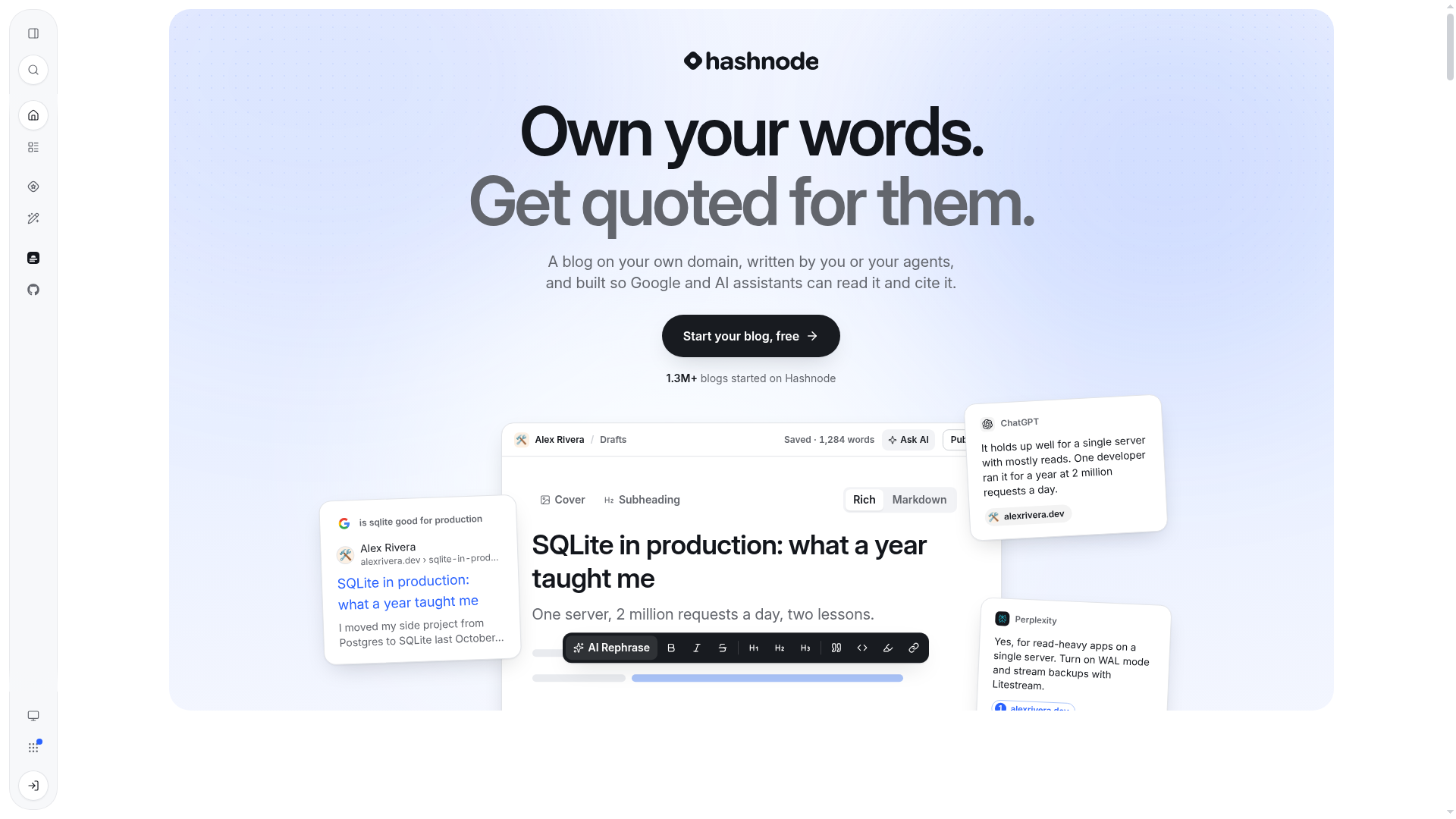
Hashnode serves developers who want a straightforward place for technical posts, with built-in reach through its community feed. Its built-in newsletter emails new posts to subscribers and shows open and click rates. The Pro plan costs $5/month per seat and includes custom-domain mapping; the free tier does not.
Pick Hashnode when the writers and readership are technical. It is not designed as a multi-surface marketing hub.
13. Blogger: best for a truly low-cost personal blog

Blogger is a simple way to start publishing with no platform subscription. You can attach a domain you buy separately, so its free hosting does not lock you into a Blogspot address. Its simplicity is the appeal, but you will need another product for newsletter sending and more elaborate team workflows.
14. Superblog: best for a dedicated company blog
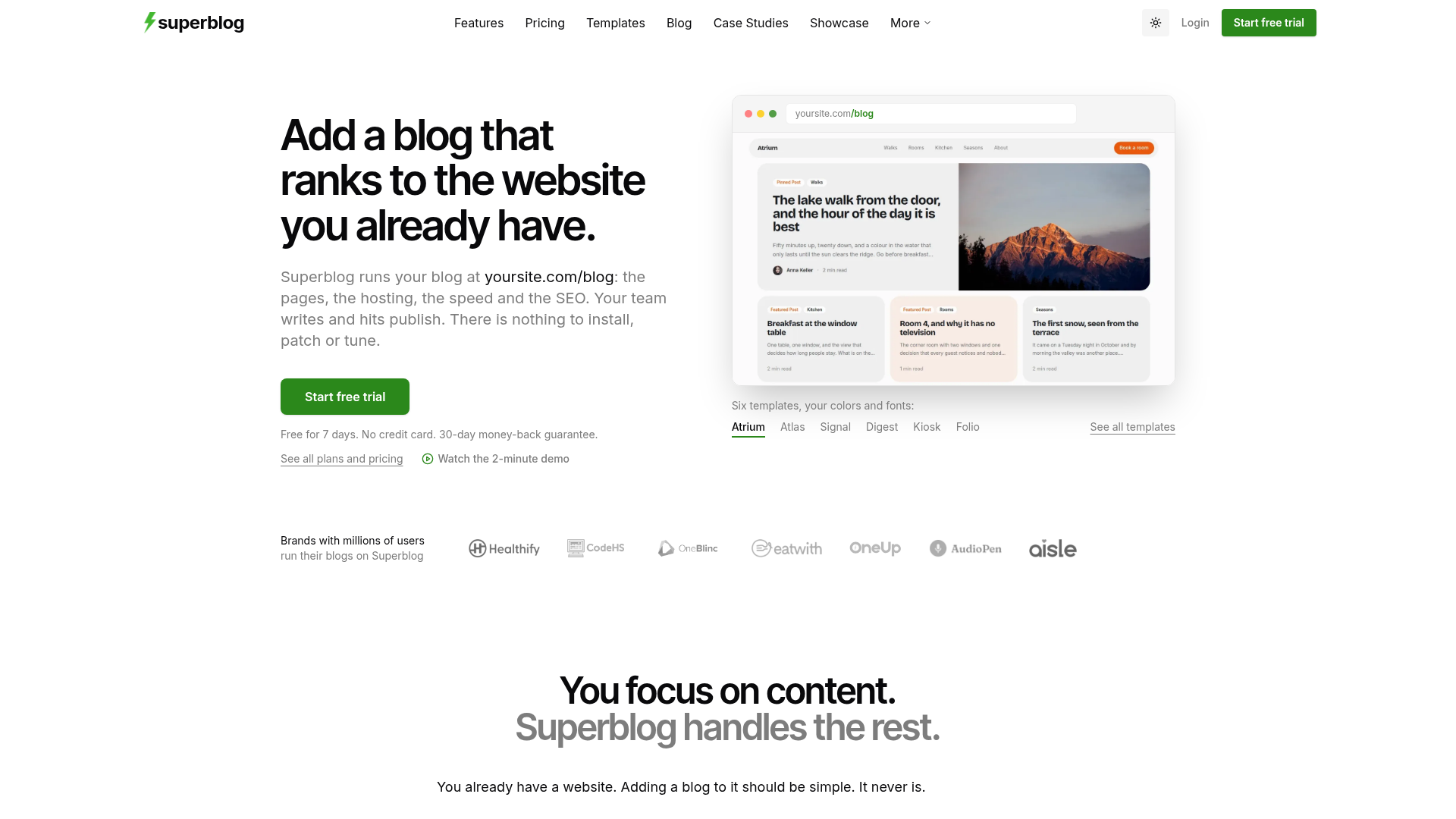
Superblog is focused on getting a company blog online without managing a full general-purpose CMS. Its Pro plan is $49/month, Super is $99/month, and it offers a 7-day trial instead of a permanent free tier. Its newsletter feature collects signups; sending runs through your email tool.
That makes sense for a team whose immediate need is a blog, less so for one trying to consolidate docs, product updates, and email sends.
15. HubSpot Content Hub: best for CRM-connected content marketing

HubSpot Content Hub is attractive when articles need to connect to broader customer and marketing workflows. It has a free tier, and Starter lists at $20/month per seat, with a promotional rate from $7/month per seat on annual billing. Custom-domain connection is available on the free tier. Email newsletters use HubSpot’s email-marketing tools, whose sending allowances should be evaluated separately.
For a team already using the HubSpot ecosystem, that connection is useful. For a lean standalone blog, the breadth of the suite can mean more setup than needed.
Hosted vs self-hosted blogging platforms
With a hosted platform, the provider maintains your publishing infrastructure. BlogBowl, Ghost(Pro), and WordPress.com take different approaches to what that service includes. If you self-host WordPress.org or Ghost, your team chooses the server and handles updates and backups. BlogBowl’s open-source core also gives teams an engine they can customize or host themselves.
Choose your blog’s address before publishing: a vendor subdomain, your own subdomain, or a subfolder of your main site. Changing it later creates migration work. Google recommends mapping old URLs to their new equivalents and setting up redirects. You will also need to move images, metadata, internal links, and subscriber data, not just the post text.
Free vs paid: what actually changes?
The best blog sites for a hobby and for a company have different thresholds. Blogger allows a separately purchased domain on free hosting; HubSpot permits free custom-domain connection; Substack charges a one-time $50 to connect one. BlogBowl, Wix, WordPress.com, Hashnode, and Framer reserve custom domains for paid plans. Substack’s free-to-start model charges a share only when paid subscriptions bring in revenue.
Upgrade when you need a branded domain, more traffic, more authors, or email sending. SaaS teams should add the cost of separate docs and newsletter products to any basic blog plan. At 10,000 monthly visitors, compare the platform’s billing unit with your own traffic numbers; visits and page views are different counts.
Which platform should you choose?
For a product-led company, BlogBowl is a practical choice: your blog, product updates, help content, analytics, and newsletter share a workflow, and Standard includes a custom domain. Start with BlogBowl if you want to cut setup work and tool sprawl. Choose WordPress.org for plugin freedom, Ghost for paid memberships, or Substack or beehiiv for an email-first publication. Your best platform for blogging should still fit when your audience grows.
FAQ
What is the best free blogging platform?
For a personal blog, Blogger and WordPress.com are fully free, and Blogger even lets you attach a domain you already own. For a company blog, start on a free tier to test the editor (BlogBowl, Hashnode, and WordPress.com all have one), then move to a paid plan once you need your own domain.
Which blogging platform is best for SEO?
Any platform can rank if it gives you editable titles and meta descriptions, clean URLs, an automatic sitemap, fast pages, and hosting on your own domain. Platforms that put your blog on a subfolder of your main site (yoursite.com/blog), such as BlogBowl, WordPress.org, and Ghost with a subdirectory setup, keep that authority on your company domain.
Can I move my blog to another platform later?
Yes, but plan for it. Export posts, images, and subscribers, keep the same URL slugs where you can, and set up 301 redirects from every old URL. Picking your own domain from day one makes any later move far easier.
Are blogs still worth it in 2026?
Yes, if your blog serves a clear audience and you have a way to bring readers back. For a SaaS company, that might mean publishing useful product education and collecting newsletter subscribers; a blog platform alone cannot guarantee traffic.
Do blogs make any money anymore?
They can, through subscriptions, products, services, or advertising, but publishing does not itself produce revenue. Ghost and Substack are suited to paid readership; a company blog may instead support leads and customer education.